

Upload a video and edit it with Vidu Q2 Pro
Upload your video, describe your edits, and let Vidu Q2 Pro adjust scenes, subjects, style, motion, lighting, and details with AI.
Vidu Q2 Pro AI Video Editor
Turn Prompts and References into Polished Videos
Use images, videos, or reference materials to guide your edit. Vidu Q2 Pro helps generate cinematic short videos with stable subjects, natural motion, reference-guided control, and high-quality output.
Real Video Editing Challenges, Solved by Vidu Q2 Pro
Vidu Q2 Pro makes video editing easier by turning your prompts and references into polished video results with smoother motion, stronger scene control, and more consistent subjects.
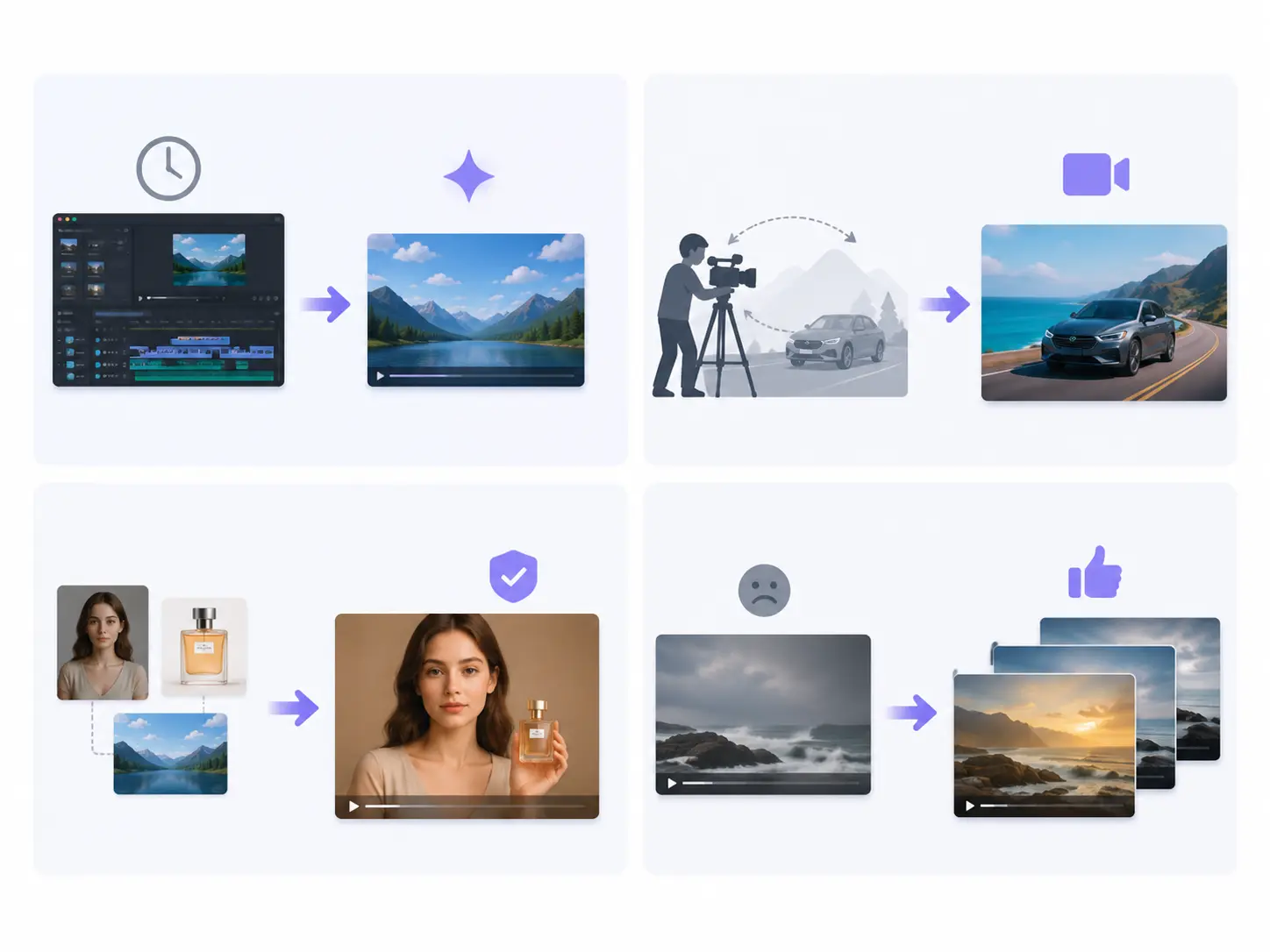
Video editing takes too long
Problem: Changing a scene, adjusting motion, replacing details, or creating a new version usually takes manual editing, reshoots, and repeated revisions. Solution: Upload your video, image, or reference material, describe the edit you want, and let Vidu Q2 Pro generate a polished new video version.
Hard to control motion and camera
Problem: Smooth camera movement, subject actions, close-ups, product motion, and cinematic flow are difficult to create without filming skills. Solution: Describe the camera move, action, and scene direction in simple words. Vidu Q2 Pro helps create natural motion, stable subjects, and cinematic video clips.
Reference consistency is difficult
Problem: When editing with AI, characters, products, outfits, scenes, and visual style can easily change between generations. Solution: Use images, videos, or reference materials to guide the edit. Vidu Q2 Pro helps keep key subjects, style, and visual direction more consistent.
Results often need many revisions
Problem: One prompt may create the wrong angle, weak motion, unstable details, or a scene that does not match your creative goal. Solution: Adjust one sentence, change the reference, refine the motion, and regenerate. Vidu Q2 Pro makes it easier to explore cleaner, more polished video results.
Why Vidu Q2 Pro Makes AI Video Editing More Controllable
Vidu Q2 Pro gives you more control over AI video editing by using prompts and references to guide motion, camera movement, subject consistency, and overall visual style.
Prompt-based video editing
A video, image, or reference material + “make the scene more cinematic and add smooth camera movement”
A new AI-edited video with improved motion, cleaner scene flow, and a more polished visual style
Continuous, fluid motion that follows real physical logic
Reference-guided control
A reference image or video + “keep the subject, style, and scene direction consistent”
The edited video follows the uploaded reference while keeping key visual elements more stable
Understands camera language; supports push, follow, orbit, and close-up
Motion and camera control
A scene + “slow push-in, follow the subject, then end with a close-up”
The camera moves more naturally with smoother transitions, clearer focus, and better cinematic rhythm
Strong subject consistency, ideal for character-focused content
Subject consistency
Input A person, product, or character reference + “generate a new video version with the same subject”
The main subject stays more consistent across the edited video, including appearance, style, and key details
Goes straight from image to motion
Real Use Cases for Vidu Q2 Pro Video Editing
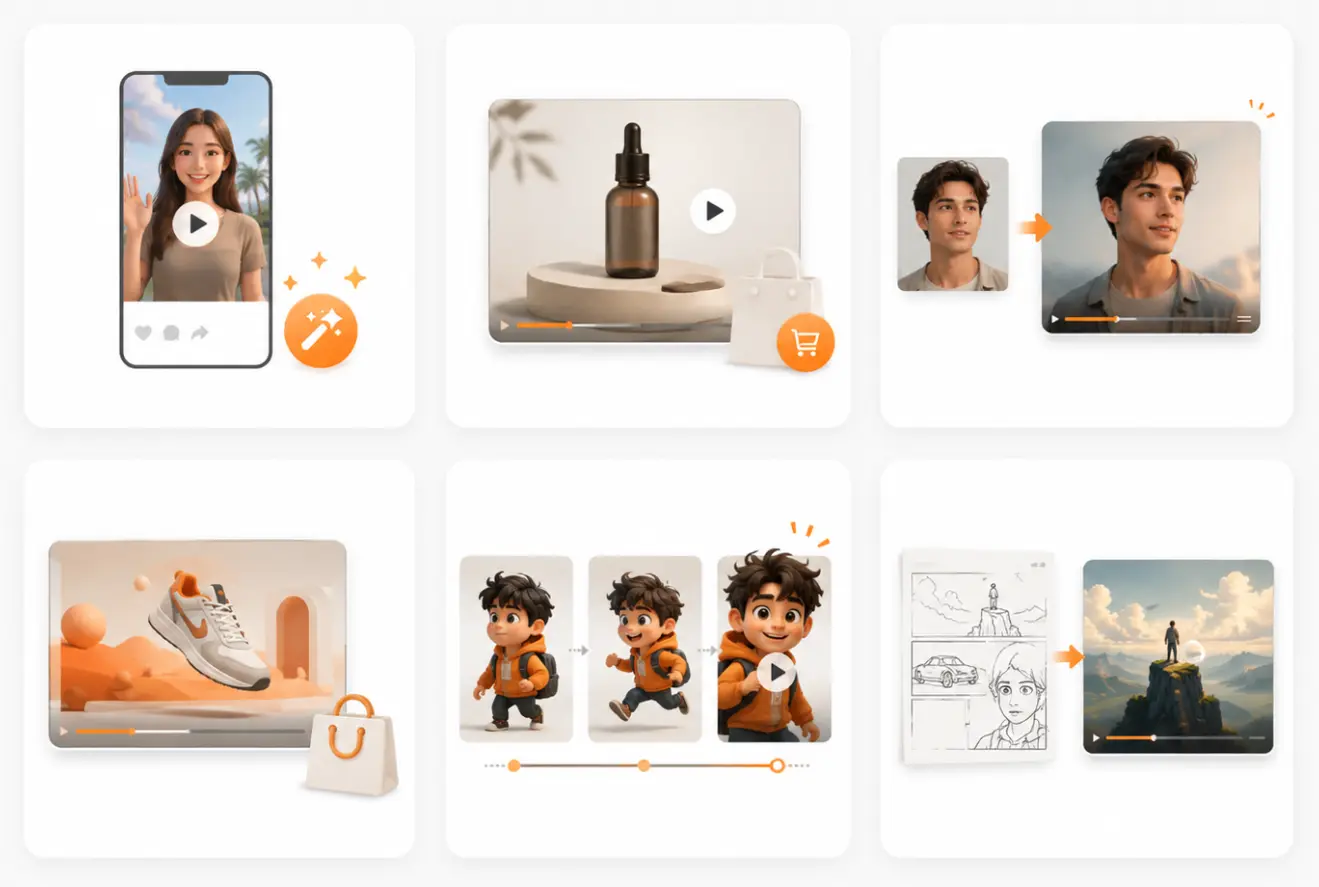
Social media video edits
Turn a simple video, image, or reference into a polished short clip for TikTok, Instagram, YouTube Shorts, Reddit, and other social platforms. Adjust motion, camera movement, scene style, and visual details with prompts. No on-camera presence, no actors—generate coherent narratives quickly
Product ad videos
Use product images, videos, or references to create cleaner product demo clips, ad creatives, and ecommerce videos. Show product motion, close-ups, lighting, and scene changes without reshooting.
Creator and portrait videos
Animate portraits, creator photos, avatars, or character images into short video clips. Guide facial direction, body movement, camera flow, and background style while keeping the main subject more consistent.
Brand and campaign visuals
Create polished video versions for landing pages, promotional campaigns, banners, and social ads. Use references to control the scene, visual style, product focus, and brand look.
Character and story clips
Generate character-focused video edits from images, videos, and references. Keep the character direction more stable while creating actions, scene movement, camera shots, and short storytelling moments.
Video concept previews
Turn ideas, storyboards, product concepts, or reference materials into quick video previews. Test camera angles, motion, scene style, and creative direction before making final content.
Only 3 steps
Edit motion, scenes, camera movement, and visual style with simple prompts.
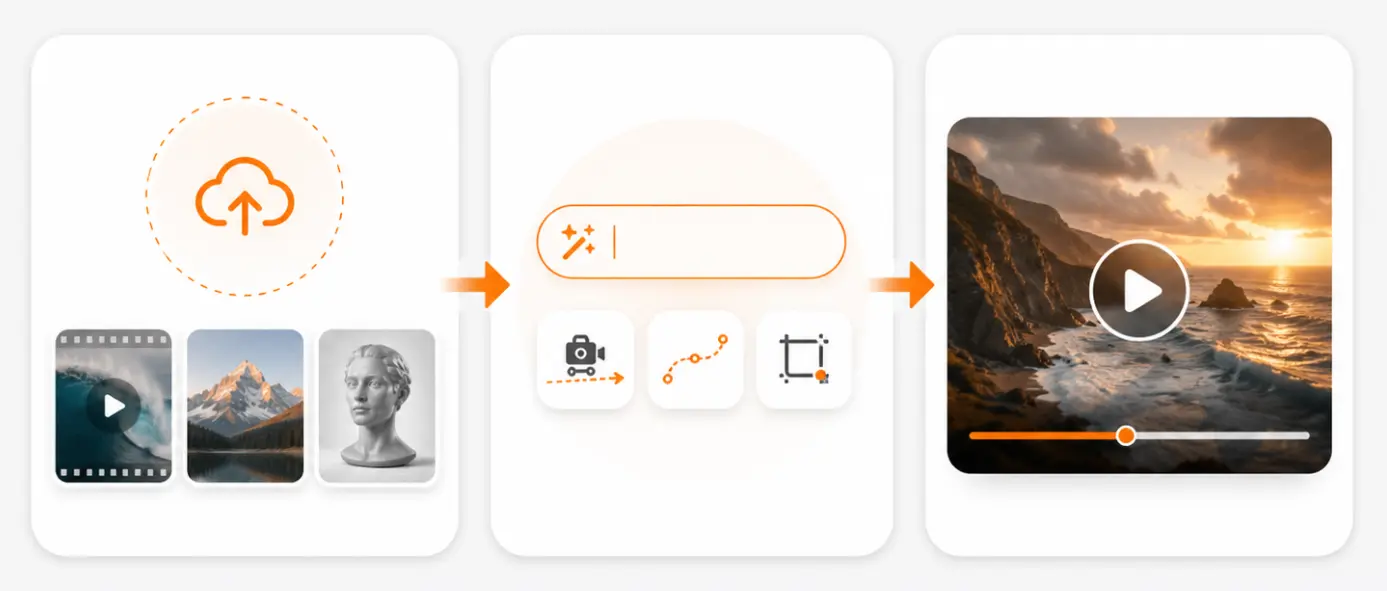
Upload a video, image, or reference
Start with a video to edit, or upload an image or reference material to guide the result.
Describe the edit you want
Tell Vidu Q2 Pro what to change, such as motion, camera angle, scene style, subject action, or visual details.
Generate a new video version
Wait a few moments and get a polished AI-edited video clip with smoother motion and a cleaner final look.
From source material to a finished AI-edited video, Vidu Q2 Pro makes the whole process simple, fast, and easy to control.
More ways to create and edit
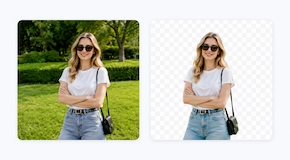
Continue your image workflow with more AI tools for upscaling, background removal, object removal, image replacement, enhancement, and creative editing.






Core Features of Vidu Q2 Pro Video Editing
Use prompts, images, videos, and references to control motion, camera movement, subject consistency, scene style, and final video quality.
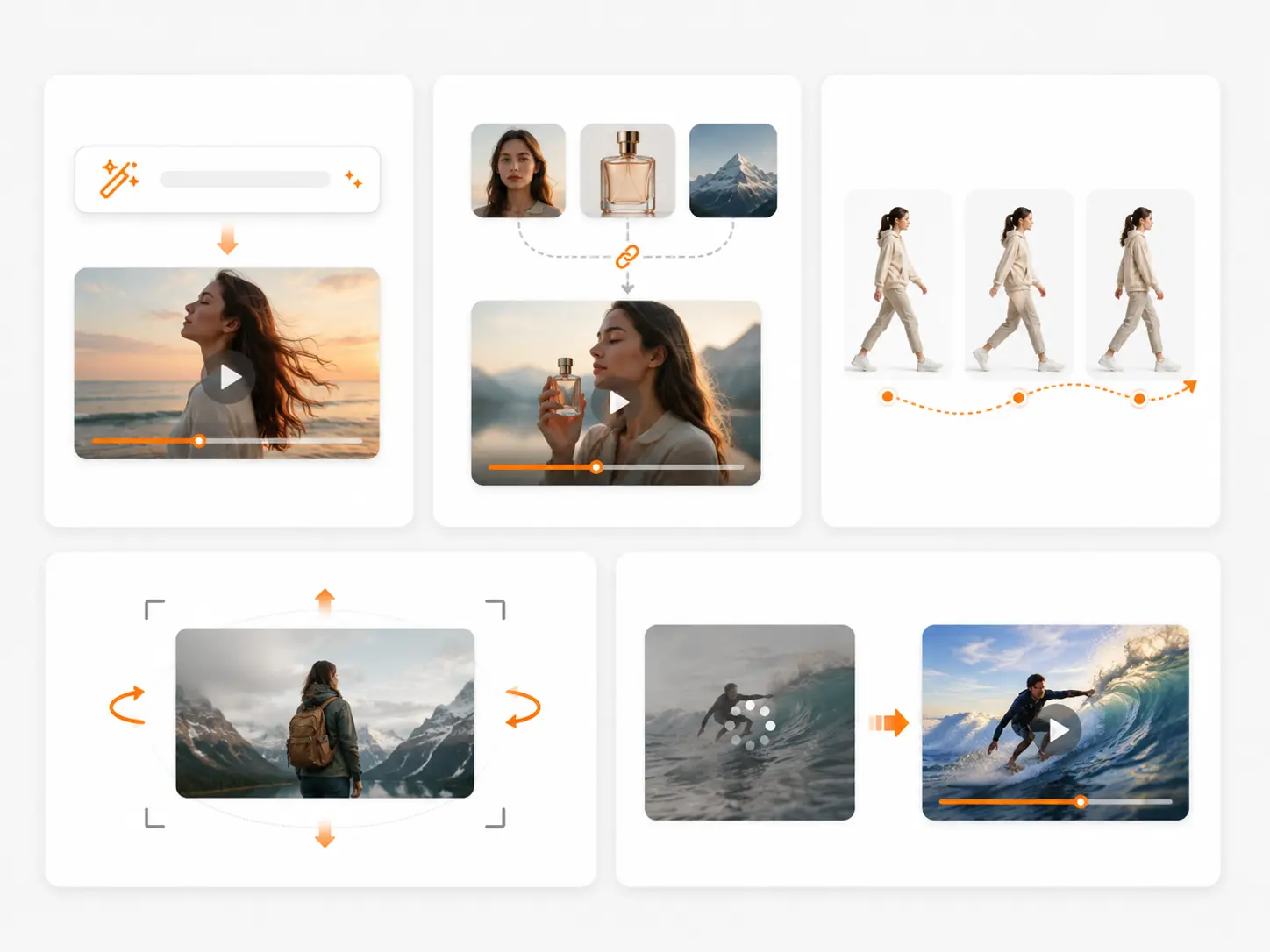
Prompt-based editing
Edit videos by describing what you want to change Adjust motion, camera movement, scene style, and visual details No complex timeline editing needed Good for quick video revisions and new creative versions
Reference control
Use images, videos, or reference materials to guide the edit Keep the subject, style, action, and scene direction more consistent Helpful for products, portraits, characters, and brand visuals Make each new version closer to your intended result
Motion control
Create smoother subject movement and scene flow Guide actions such as walking, turning, posing, holding, or moving forward Control subtle, natural, or more dynamic motion Useful for social clips, product demos, and character videos
Camera control
Describe camera moves in simple words Support push-in, pull-back, follow shot, close-up, orbit, and tracking motion Make videos feel more cinematic and easier to watch Good for ads, storytelling, product shots, and creator content
High-quality video output
Generate polished AI-edited video clips with cleaner visuals Improve the final look with better motion, lighting, and scene composition Suitable for social media, ecommerce, campaigns, and creative projects Create publish-ready short videos from simple inputs
One-click Vidu Q2 Pro Video Editing Presets
Cinematic scene edit
Improve scene lighting, camera movement, and visual style for a more cinematic video result.
Use templateProduct video polish
Turn product clips or product images into cleaner demo videos with smoother motion and better focus.
Use templateSocial media short
Create polished short videos for TikTok, Instagram, YouTube Shorts, and other social platforms.
Use templatePortrait motion edit
Animate portraits, creator photos, or character images with natural motion and stable subject details.
Use templateReference style edit
Use a reference image or video to guide the subject, scene, motion, and overall visual style.
Use templateCamera movement edit
Add push-in, pull-back, follow shot, close-up, orbit, or tracking motion to make videos feel more dynamic.
Use templateYou May Also Like
FAQ
No. You do not need complex timeline editing skills. Upload your source material, describe the edit in simple words, and generate a new AI-edited video version.
Edit Videos with Vidu Q2 Pro
Upload a video, image, or reference, describe the change you want, and create a polished AI-edited video in just a few clicks.
Try Vidu Q2 Pro