

Use Kling 3.0 Omni to merge multiple images into one
Upload multiple images and use Kling 3.0 Omni to create a clear and natural composite image. Combine characters, products, branded elements, scenes, and visual references into one polished result.
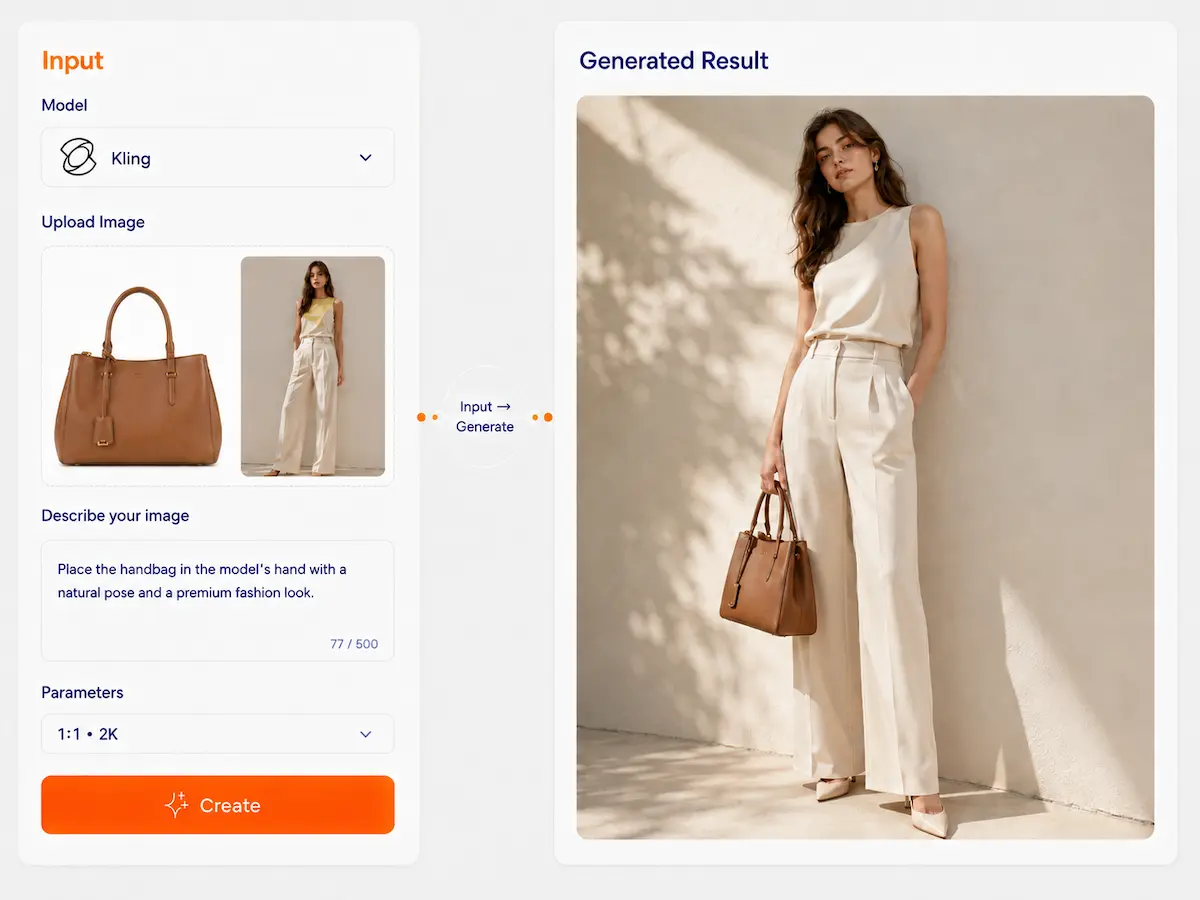
Kling 3.0 Omni
Multi-reference control for consistent image creation
Upload multiple reference images to guide subject identity, key features, style direction, and scene composition. Kling 3.0 Omni is designed for creators who need more stable, repeatable results—not just one-off random generations.
Reference-driven image generation for controllable visual consistency
Success in one minute
3 practical actions to get more stable results
Series consistency
- 1Use multiple references Upload several images of the same subject, product, or character. More angles and clearer details usually improve consistency.
- 2State what must stay Tell the model what should remain stable, such as identity, hairstyle, outfit, product shape, logo, or color.
- 3Change one thing at a time For more controllable results, modify one dimension at a time—background, props, style, camera angle, or material.
Precise editing
- 1Start from the original image or reference set Use the image you want to modify together with additional references if needed.
- 2Describe what to change and what to keep Be explicit about the target edit and the protected features.
- 3Refine only the changed part If needed, iterate again to improve the edited area while keeping the rest of the image consistent.
Why is this more stable?
Kling 3.0 Omni is stronger when image references define the subject clearly. Instead of relying only on text, it uses reference signals to better understand what to preserve and what to transform, which makes the output more controllable across repeated generations.
What makes it special?
See the difference at a glance
Typical text-to-image
Each generation reinterprets the subject from scratch.
- Harder to keep the same character or product stable
- More variation between outputs
- Less reliable for series work or repeated reuse
Kling 3.0 Omni
Uses multiple reference images to anchor important visual features.
- Better for character, product, and subject consistency
- Stronger control over what changes and what stays
- More suitable for reusable series visuals and multi-scene creation
Main text Kling 3.0 Omni is built for controllability and consistency. Its strength is reference-guided generation and editing—especially when you need to preserve subject identity, product details, or scene logic across multiple outputs.
Core capabilities
4 capabilities that matter in multi-reference workflows
Multiple reference images for stronger consistency
Use multiple images to guide the model with richer visual information, helping it preserve key features such as face, outfit, silhouette, product structure, and overall appearance.
Reference-driven composition and scene blending
Combine subject references with scene or style references to generate a new image that places the subject into a more controlled context.
Precise image editing with protected features
Change selected elements such as background, outfit, material, props, or style, while keeping important parts of the original subject more stable.
Multi-view subject understanding
Use front, side, or additional angle references to improve consistency across different viewpoints, which is especially useful for character assets, fashion looks, and product presentation.
Template library
Start from common multi-reference use cases
Product scene generation
Use product references together with scene references to place a product into a new environment while preserving key visual details.
Use templateSame-character series images
Use multiple references of one character to create a consistent series across different scenes, styles, or compositions.
Use templateMulti-view character assets
Upload front and additional angle references to generate more consistent character images from different viewpoints.
Use templateLocal outfit or material change
Keep the main subject stable while changing clothing, surface material, or selected visual elements.
Use templateSubject + scene composition
Use one image to define the subject and another to define the environment, then generate a coherent result that blends both directions more naturally.
Use templateSame subject, different styles
Keep one subject consistent while testing different visual styles, tones, or creative directions.
Use templateCase study
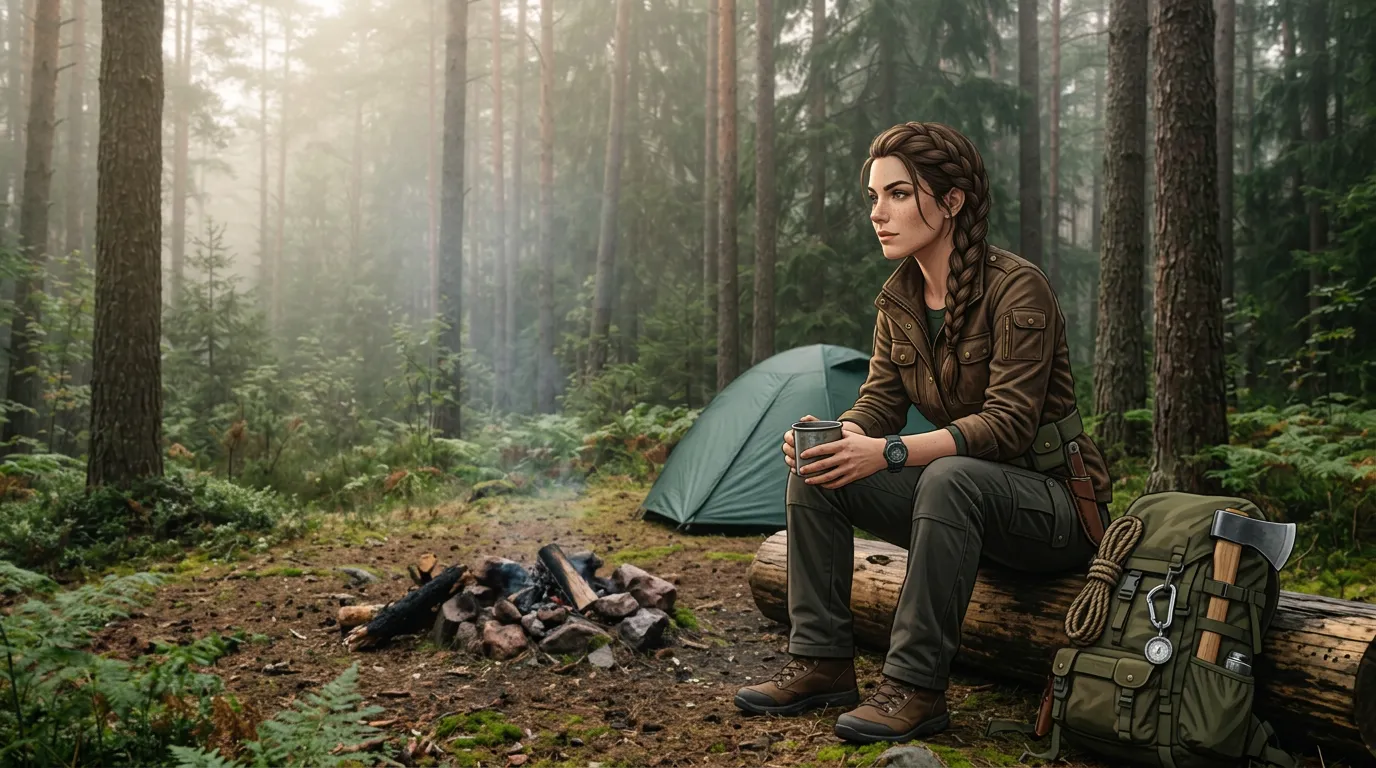
Reference stack → Constraints → Changes → Result
Reference stack
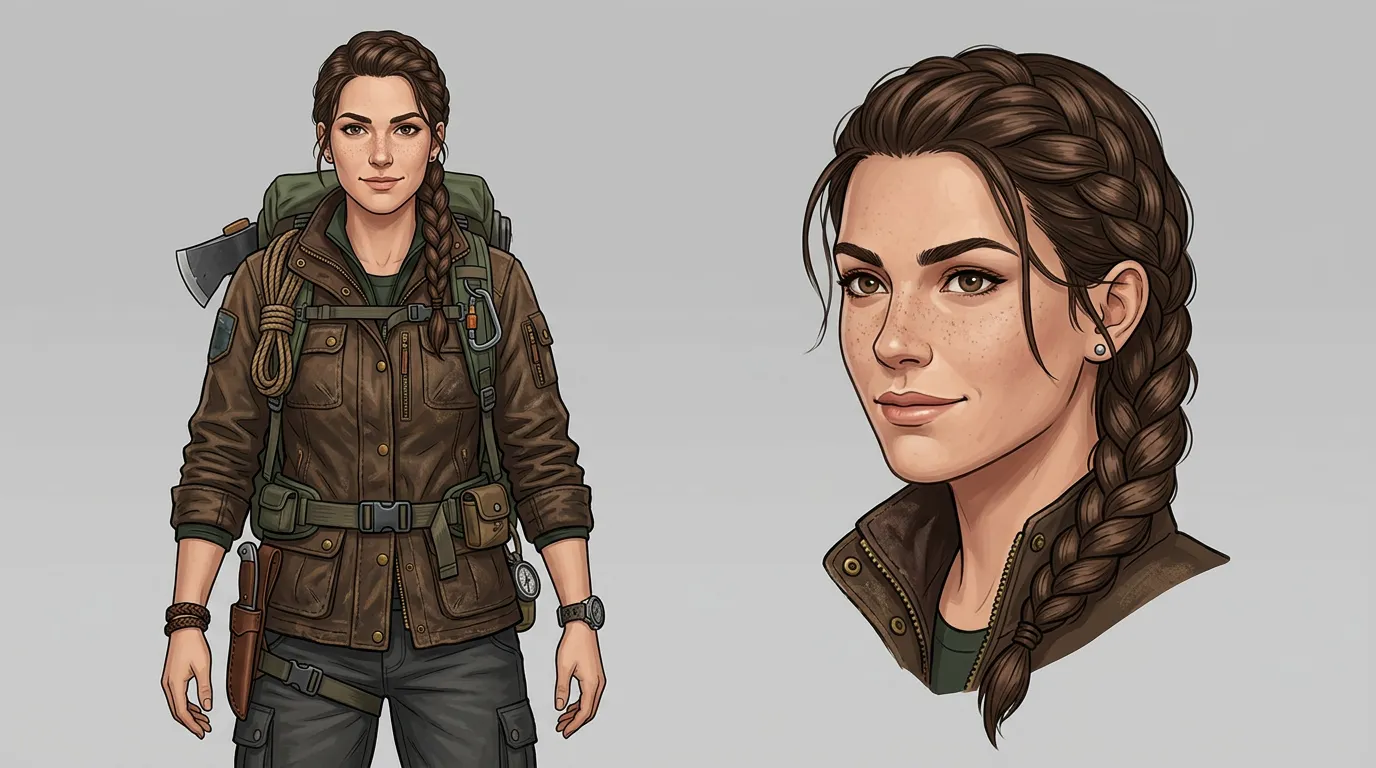
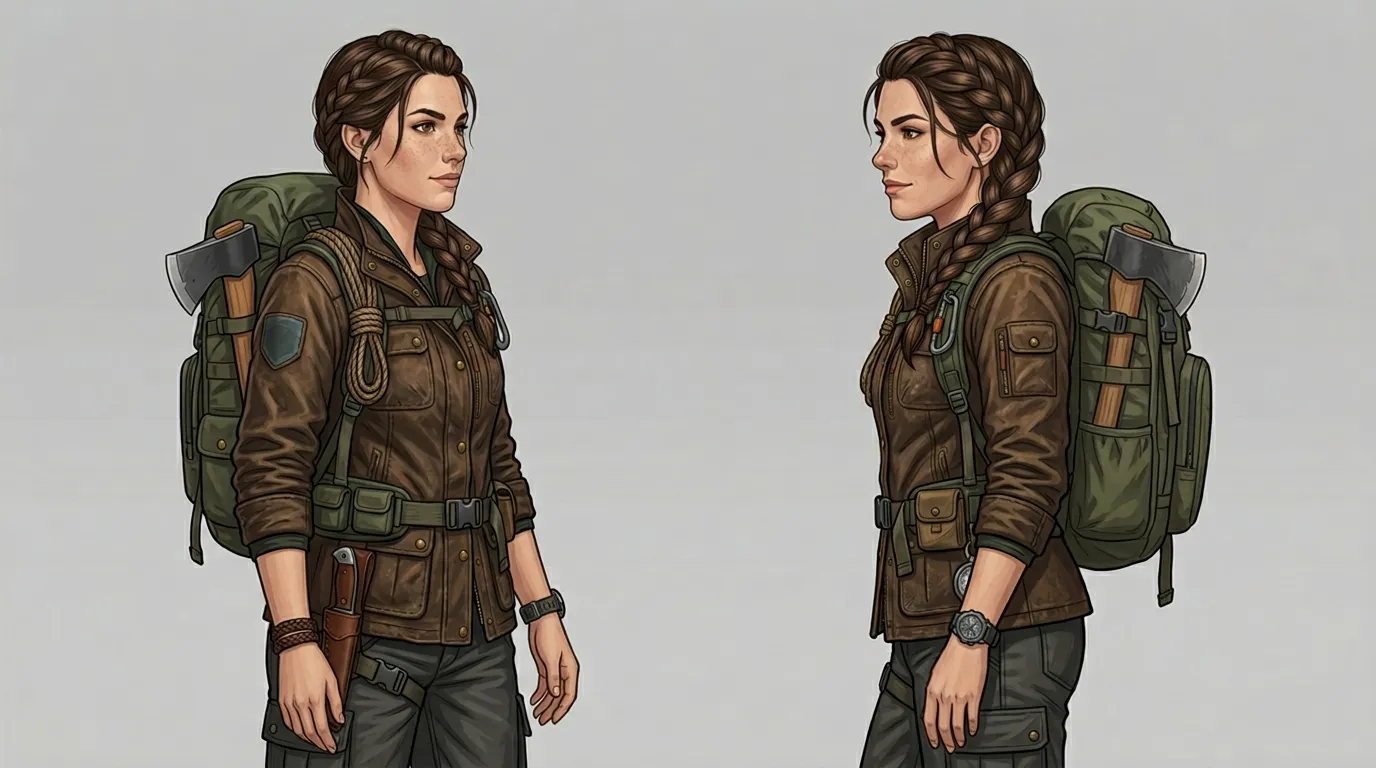
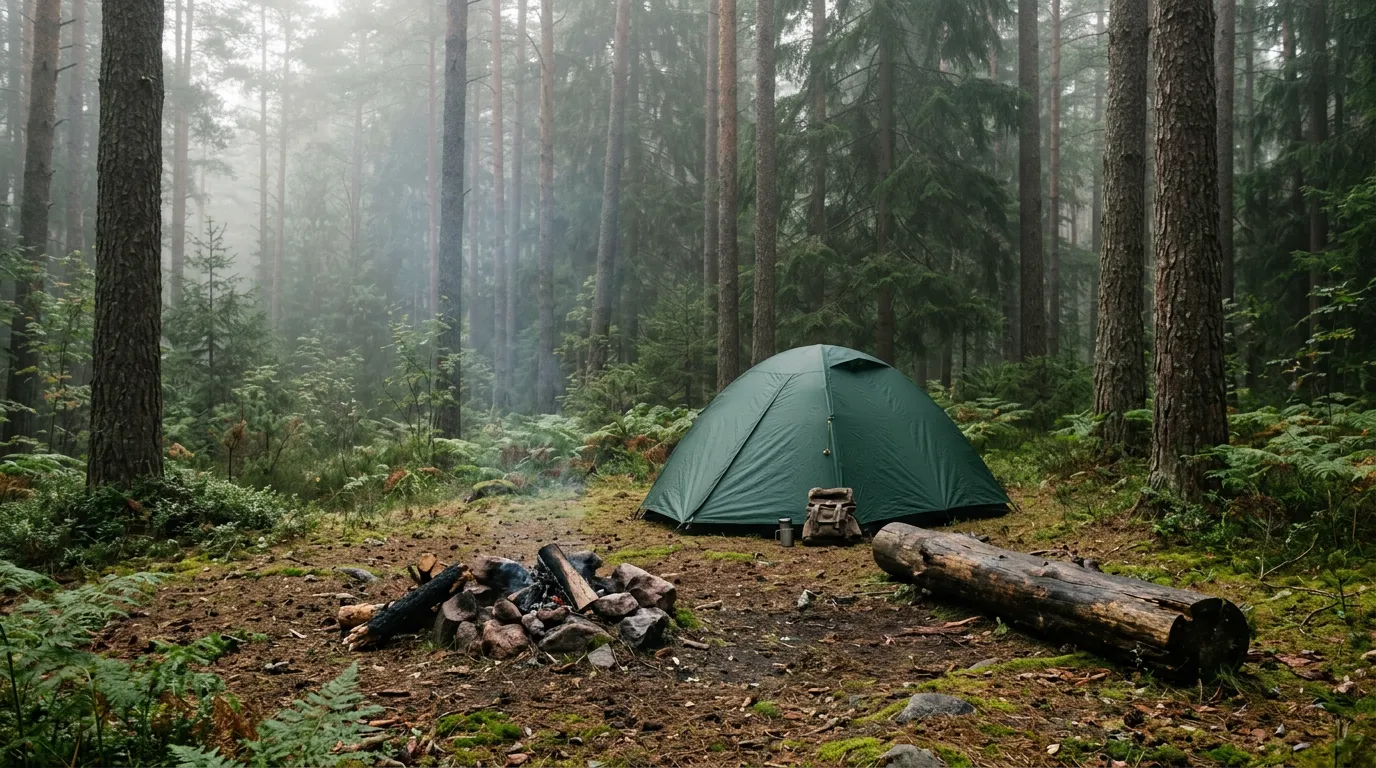
Up to 10
Constraints
- Shape unchanged
- Color unchanged
- LOGO position unchanged
Changes
- Scene: Forest camp
- Style: Natural lighting
Output
Create once, reuse many times
Build reusable reference workflows instead of starting from zero every time
Reference sets
Save combinations of subject, product, or style references so they can be reused across future generations.
Prompt structures
Reuse prompt patterns for “what to keep” and “what to change” to speed up consistent creation.
Generation history
Compare iterations and continue refining the same subject direction instead of restarting with a completely new output each time.
Prompt writing
Keep sentence
Keep the subject’s identity, shape, color, outfit, product structure, logo, or other key features unchanged.
Change sentence
Change the background, props, style, material, outfit, or camera perspective to the new target.
Protection sentence
Keep other areas natural and coherent, with lighting, perspective, and overall visual logic matching the original subject.
Example prompts
"“Keep the character’s facial features, black hair, and white shirt unchanged, and change the background to a modern café.”"
"“Keep the product shape, packaging colors, and logo unchanged, and place it in a clean bathroom scene.”"
"“Keep the subject identity and outfit details unchanged, and change the style to a cinematic fashion editorial look.”"
"“Keep the shoe design and material structure unchanged, and generate a studio product shot with dramatic lighting.”"
FAQ
Kling 3.0 Omni is good at using multiple reference images to improve consistency and control. It is especially useful when you want to preserve a subject’s identity, product details, or visual structure while changing the scene, style, or composition.
Use one reference set, compare across models, and build more consistent image workflows on Dovoo AI.
Start creating