

Combine Two Images with Kling 01 Image
Kling 01 Image is useful when the goal is not only to combine two images, but also to preserve important visual details from each reference. Upload two images, such as a character and a scene, a product and a background, or a style reference and a subject photo, then describe the final image you want. Its multi-reference workflow is especially suitable for character consistency, outfit preservation, branded visuals, comic-style assets, and controlled image edits.


Log in to view your work
After you create an account, your images, videos, and creation history are saved so you can view, manage, and keep creating anytime.
Sign up free and start saving your creative history
Kling O1 Image
Multi-reference consistency control
Upload up to 10 reference images to anchor subject identity, outline, key visual elements, and overall tone. Then describe the change you want—such as background, props, outfit, or style—to generate a new image with stronger consistency and more controllable edits.
Built for reference-guided image creation and editing
Success in one minute
3 simple actions to use the core workflow
Series consistency
- 1Pick references Upload 3–10 images. More useful views and clearer details usually help the model maintain better consistency.
- 2Define what must stay State the key features that should remain stable, such as identity, shape, colors, outfit details, or key product features.
- 3Change one variable at a time Adjust one main dimension per generation—such as background, props, style, or camera angle—for more controllable results.
Precise edit
- 1Upload original Start with the image you want to modify.
- 2Give one focused instruction Explain what to change and what should stay the same.
- 3Refine the edited result If needed, revise the changed part again without redefining the whole image from scratch.
Why is this more stable?
Kling O1 Image is designed for reference-guided generation and editing. Compared with text-only image generation, it is better suited to understanding what should stay consistent and what should change.
What makes it special?
See the difference at a glance
Typical text-to-image
Each generation often reinterprets the subject from scratch.
- Harder to keep character or product consistency
- Less predictable when multiple details must stay fixed
- More variation between outputs even with similar prompts
Kling O1 Image
Uses multiple reference images to anchor key visual features.
- Better for repeatable subject consistency
- More controllable when you want targeted changes
- More suitable for series images, subject reuse, and guided edits
Kling O1 Image is not mainly about the fastest random generation. Its strength is controlled image creation with reference-guided consistency, clearer subject anchoring, and more precise change management.
Core capabilities
4 core capabilities for reference-based image creation
Up to 10 reference images to anchor features
Upload up to 10 references to guide subject identity, outline, key elements, and overall tone, making consistency easier across outputs.
Reference-driven composition editing
Better suited to placing a person, character, or product into a new context while keeping the composition and scene logic more coherent.
Precise static image editing
Add, remove, or change objects, swap style, or make local edits while preserving as much of the unchanged content as possible.
Multi-view consistency
Useful for front, side, back, or different-angle image creation where identity, clothing details, or product structure need to stay more aligned.
Template library
Use Kling O1 Image for common multi-reference workflows
Product scene transfer
Turn clean product shots into café, office, outdoor, or lifestyle scenes while keeping the product’s main shape and visual identity recognizable.
Use templateSame-character series posters
Use several references of one character to create a series of posters with different scenes, props, or styles while keeping the character more consistent.
Use templateMulti-view character assets
Generate front, side, back, or multiple-angle character views with stronger continuity in identity and outfit details.
Use templateLocal outfit or material change
Keep the main subject, but change clothing, texture, or material details in a more targeted and controlled way.
Use templateSubject + scene composition
Combine a subject reference with a scene reference to generate a new image that blends both more naturally.
Use templateMulti-style variation
Use the same subject references with different style directions to test multiple visual outputs while keeping the core subject more stable.
Use templateCase study
Reference stack → Constraints → Changes → Result
Reference stack
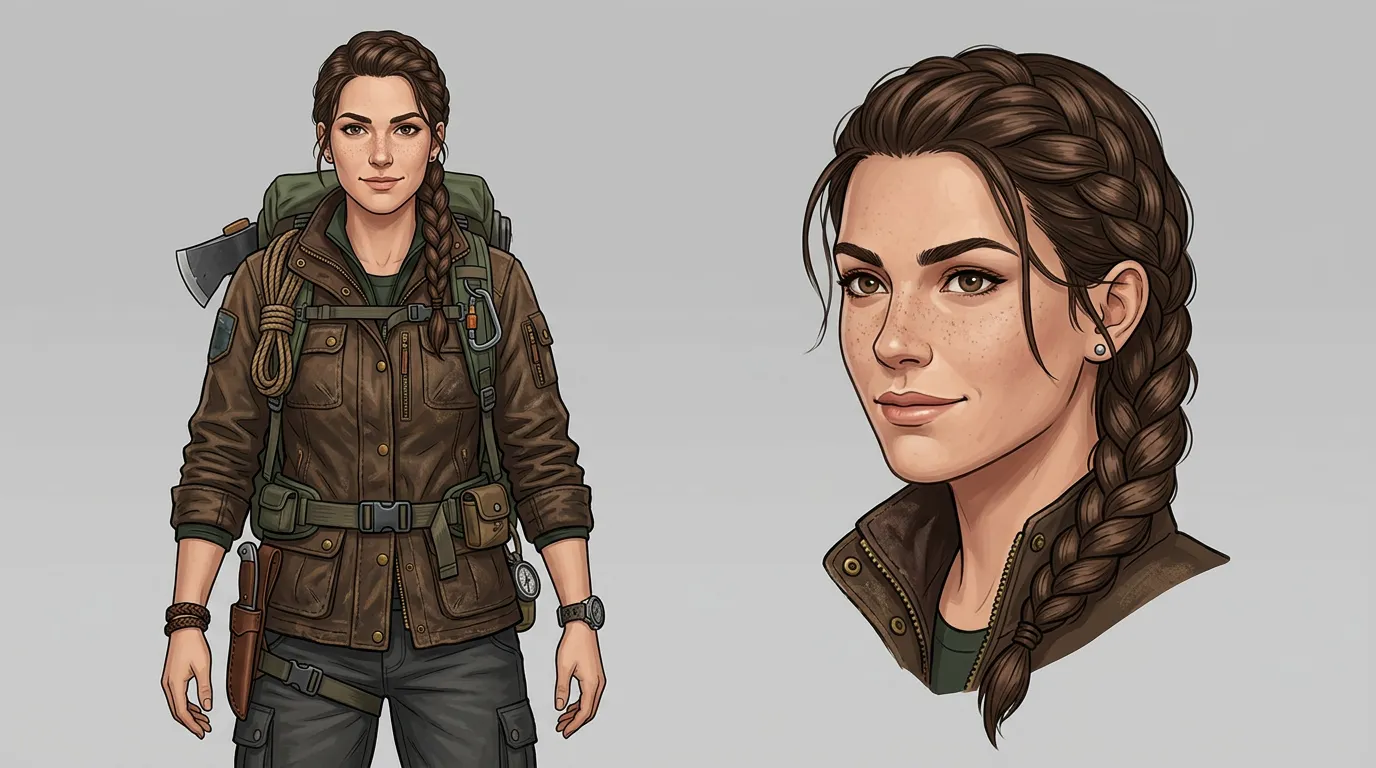
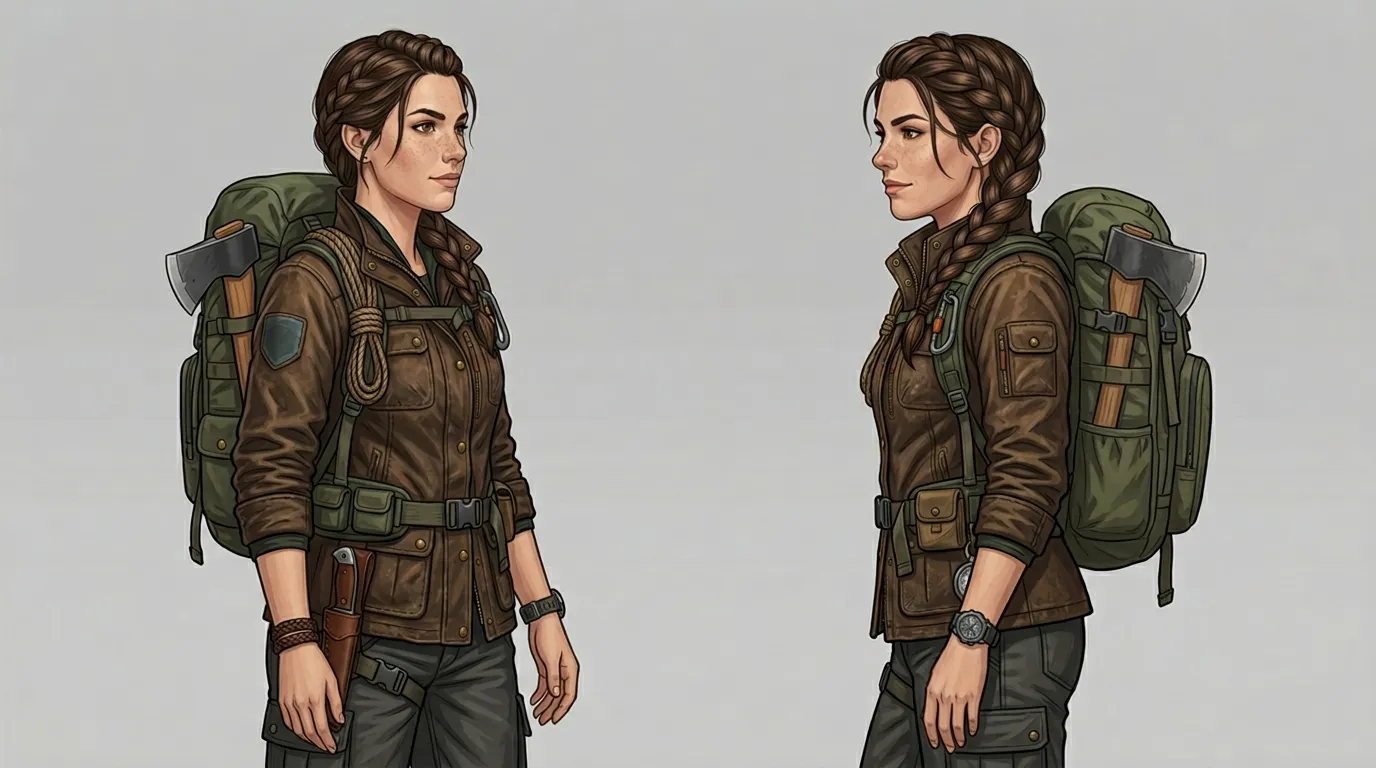
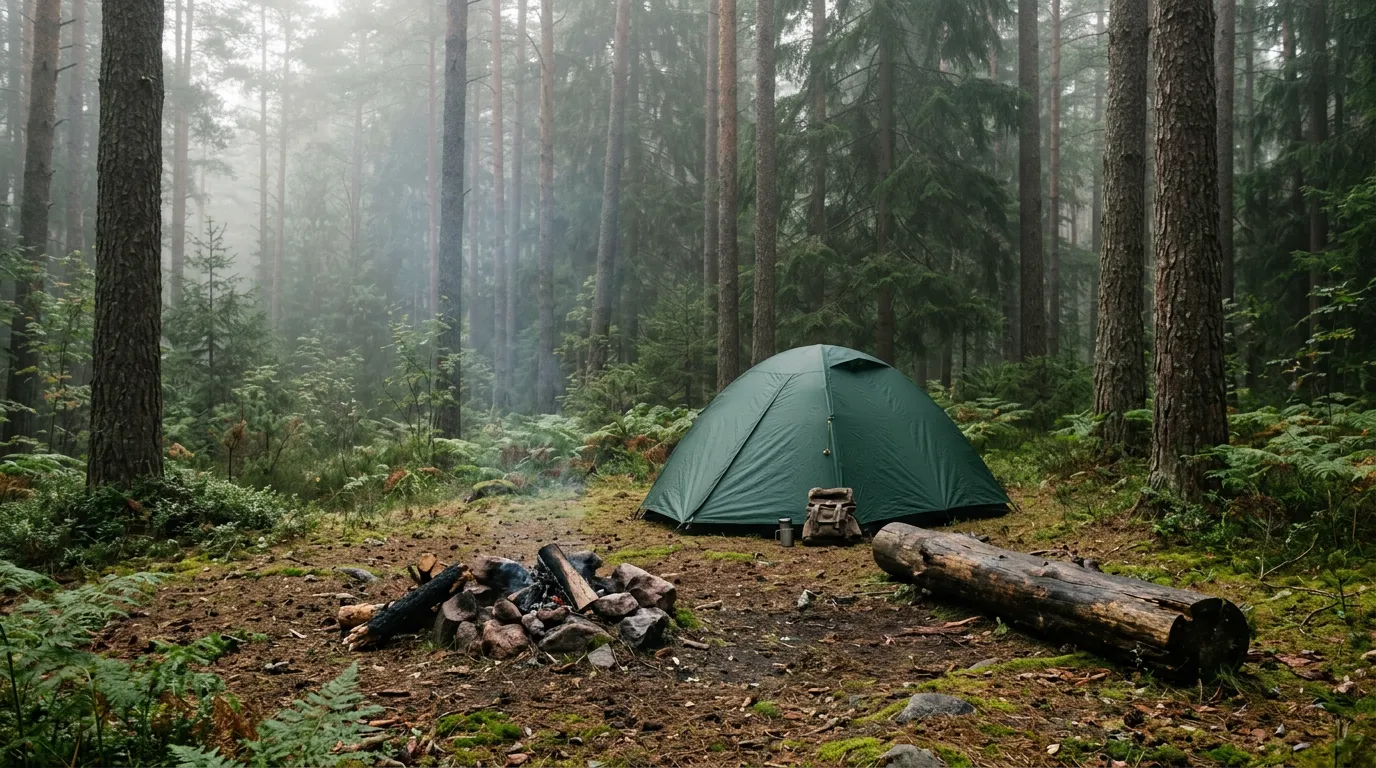
Up to 10
Constraints
- Shape unchanged
- Color unchanged
- LOGO position unchanged
Changes
- Scene: Forest camp
- Style: Natural lighting
Output
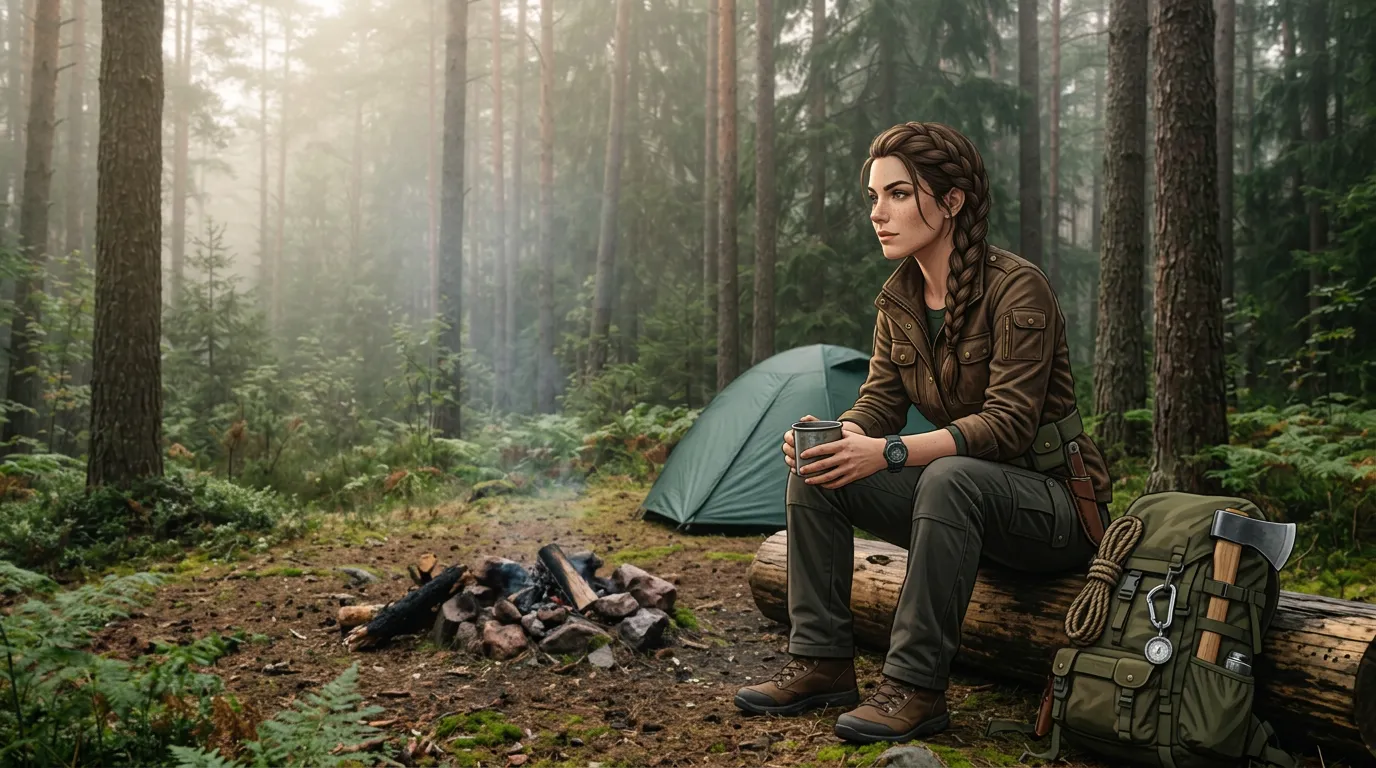
Create once, reuse many times
Kling O1 Image works well for repeatable multi-reference workflows, not only one-off generations
Reusable reference sets
Build reusable reference packs for the same character, person, product, or campaign subject.
Repeatable prompt structure
Reuse the same instruction format—what to keep plus what to change—to create faster, more consistent iterations.
Comparable visual testing
Use the same reference set with different prompts or styles to compare outputs more fairly and efficiently.
Prompt writing
Lock sentence
Keep [subject identity / shape / key colors / core features] unchanged.
Change sentence
Change [background / props / outfit / style / camera angle] to [target result].
Protection sentence
Keep other areas natural and consistent, and preserve the overall lighting logic and perspective as much as possible.
One-click fill examples
"“Keep the character’s black short hair, blue eyes, and white T-shirt unchanged. Change the background to a café scene.”"
"“Keep the product’s shape, main colors, and key branding details unchanged. Change the material to brushed metal.”"
"“Keep the subject’s facial features unchanged. Change the outfit to a red dress and place the subject in a studio portrait setup.”"
FAQ
Kling O1 Image is best suited to reference-guided image creation where the same person, character, product, or subject needs to stay more consistent across scenes, angles, or style variations.
Create once, reuse across scenes and styles
Use the same reference set to generate consistent characters, products, scenes, and style variations with Kling O1 Image.
Start creating