

Upload an image and transform it with Kling 2.1
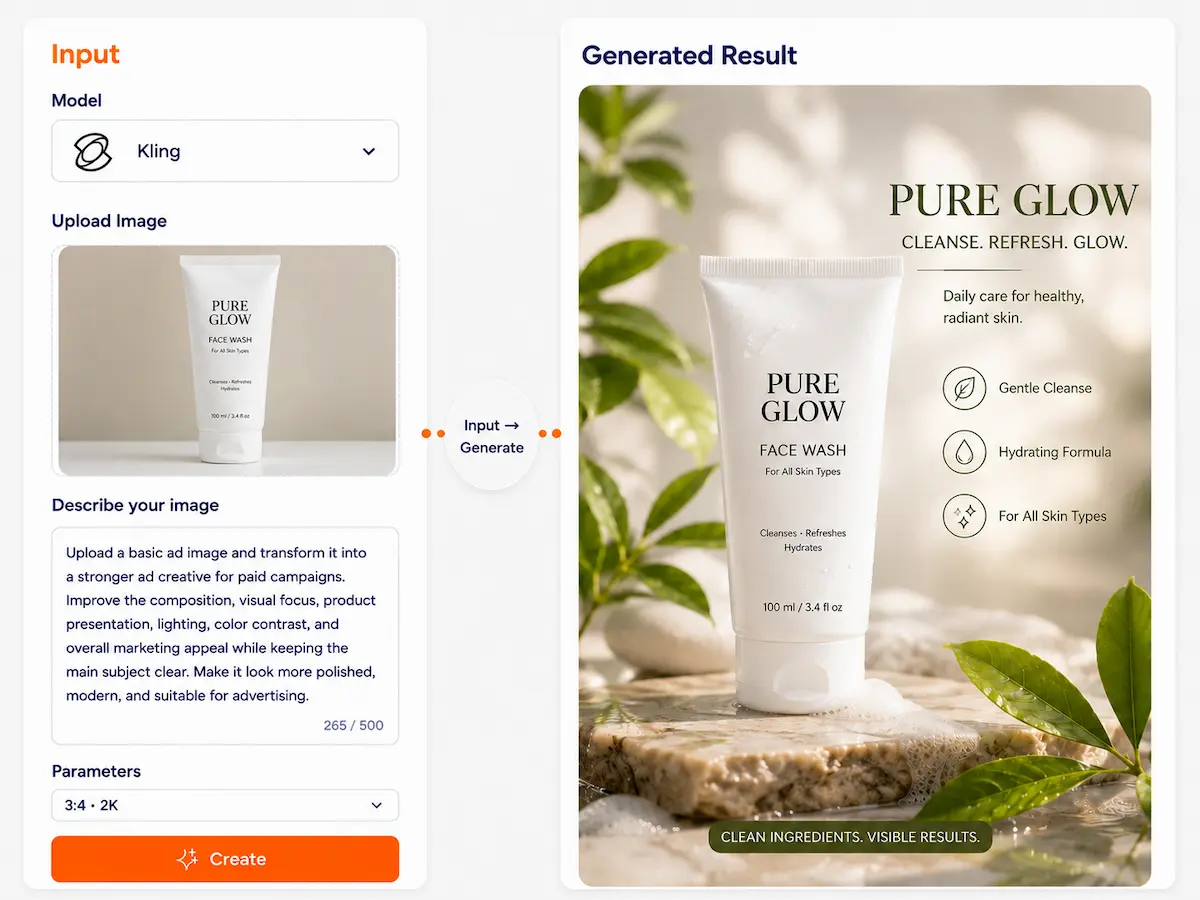
Upload your image, describe how you want to change it, and use Kling 2.1 to create images with stronger depth, lighting, and spatial expression for product photo redesign, interior and room redesign, photo quality and lighting upgrade, and ad creative redesign.
Kling Image|
Multi-reference consistency locking
Upload up to 10 reference images to lock subject outline and key elements, then use one sentence to decide how to change: background, props, style. Iterate for reusable series visuals.
Next-gen multimodal creation platform
Success in one minute
3 fixed actions to master the core workflow
Series consistency
- 1Pick references Upload 3–10 images, more angles/details the better
- 2Write constraints What must stay: identity, shape, color, LOGO, material
- 3Write changes Change one thing at a time: background, style, props, camera
Precise edit
- 1Upload original Upload the image you want to modify
- 2One-sentence instruction What to change + to what + rest unchanged
- 3Fine-tune output Second-round refinement only in the changed area
Why is this more stable?
Kling Image favors "reference-driven semantic accuracy and context preservation"—not random redraws. It better understands "what to change and what to keep" for stable, controllable results.
What makes it special?
See the difference at a glance
Typical text-to-image
Each generation "re-guesses" what the character looks like
- Hard to keep character consistency
- Difficult to filter multiple generations
Kling Image
Uses multi-reference to "lock" key features
- Better for continuous series output
- Precise control—change exactly what you want
Important note Kling Image prioritizes "semantic accuracy and consistency" over fastest output. Its strength is precise control, not fast random generation.
Core capabilities
4 core capabilities for your creation needs
Up to 10 reference images to lock features
Upload 10 references to lock outline, core elements, tone—easier to keep stable consistency
Reference-driven composition editing
Better at "who/what" into "where" context composition, emphasizing scene logic
Precise static image editing
Add/remove/change objects, swap style, local changes—leave the rest untouched
Multi-view consistency
Front/side/back or different angles—identity and outfit details preserved
Template library
No need to "understand the model"—just pick what you want to do
Product scene swap
Swap white-back product shots to café, outdoor, office, etc. 1 Upload product image 2 Choose target scene 3 Generate multi-angle display
Use templateSame-character series posters
Keep character consistent, generate cyberpunk, retro, cartoon styles 1 Upload character multi-angle images 2 Define character constraints 3 Generate different style posters
Use templateMulti-view character assets
Front, side, back views for games/animation 1 Upload front view 2 Add side/back references 3 Generate complete asset pack
Use templateLocal outfit/material swap
Change only clothes or material, rest unchanged 1 Upload original 2 Specify edit region 3 Describe desired effect
Use templateSubject + scene composition
Place character in specific scene, natural and realistic 1 Upload subject image 2 Upload scene reference 3 Smart fusion generation
Use templateMulti-style deployment
Same subject, different styles for A/B testing 1 Define subject 2 Choose multiple styles 3 Batch generate for comparison
Use templateCase study
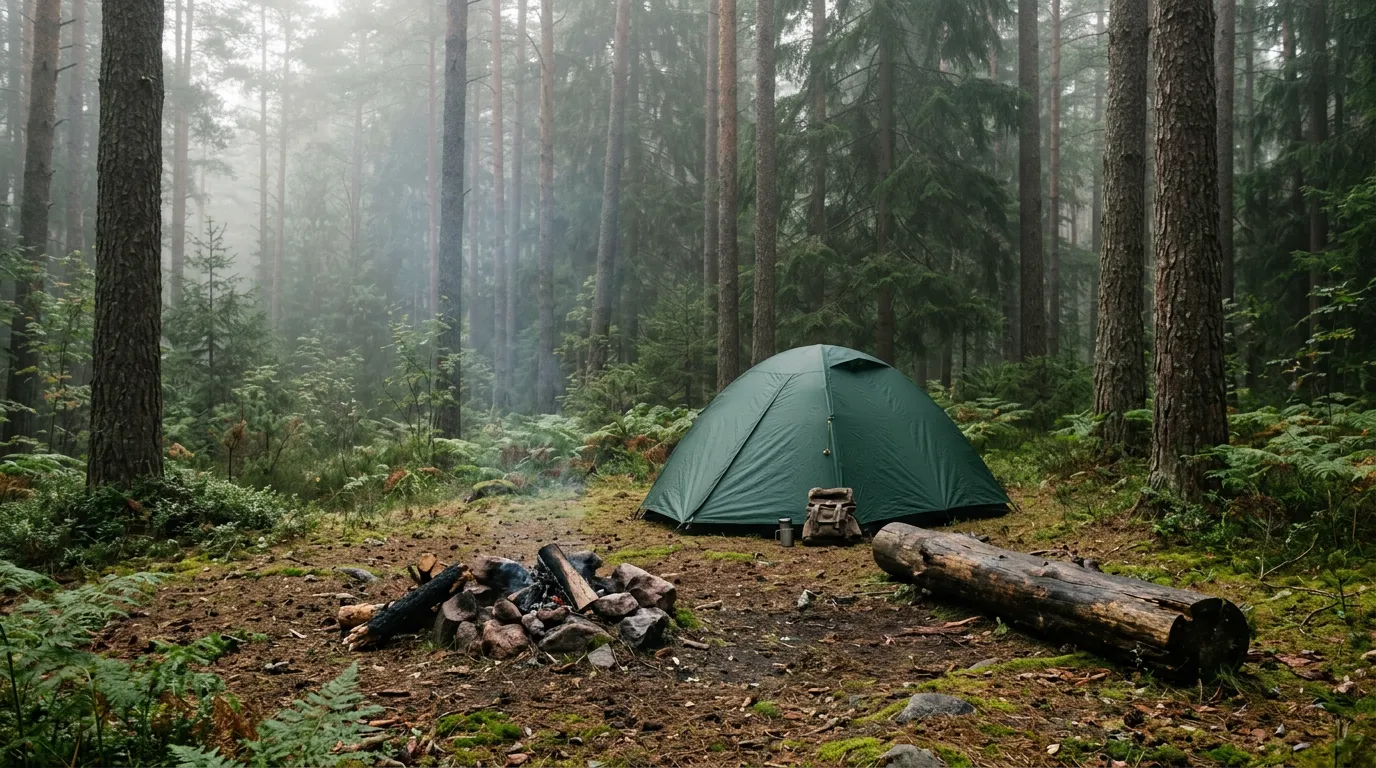
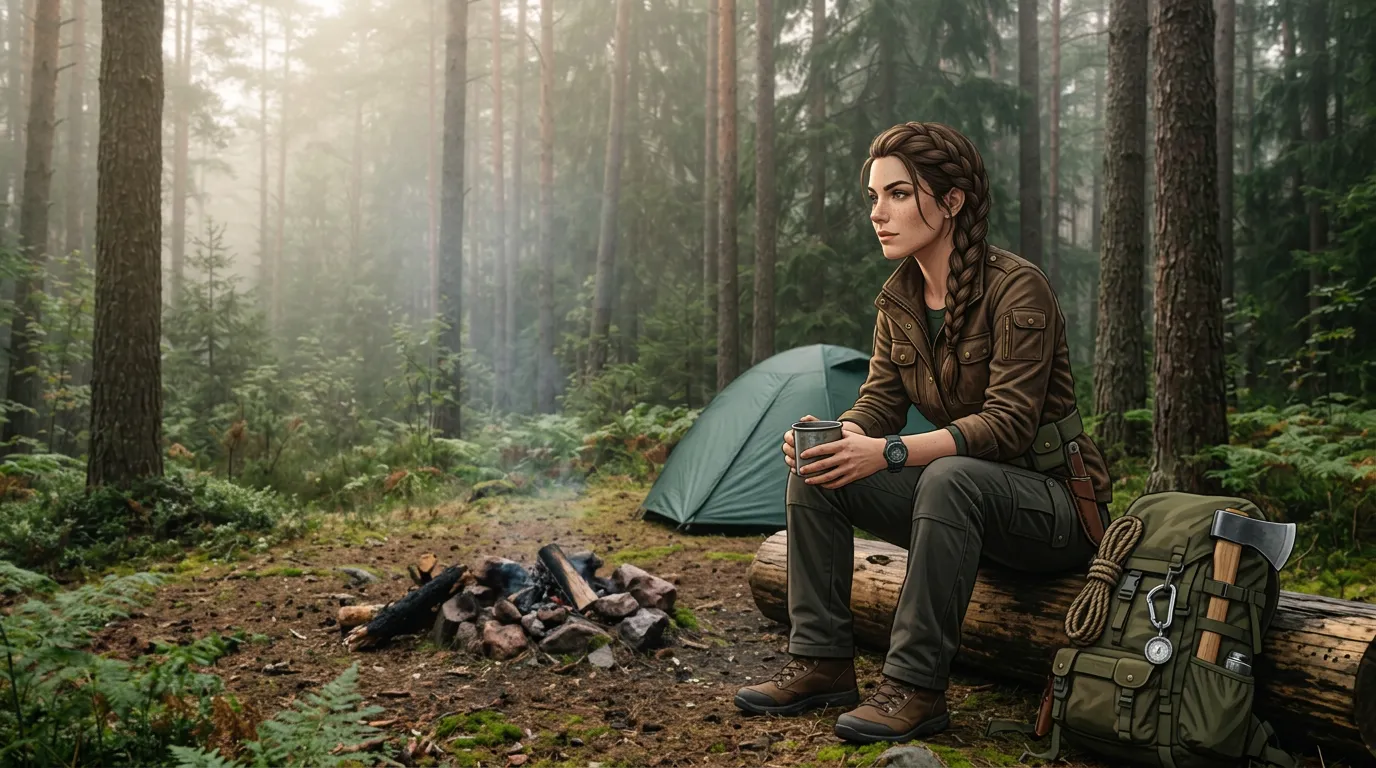
Reference stack → Constraints → Changes → Result
Reference stack
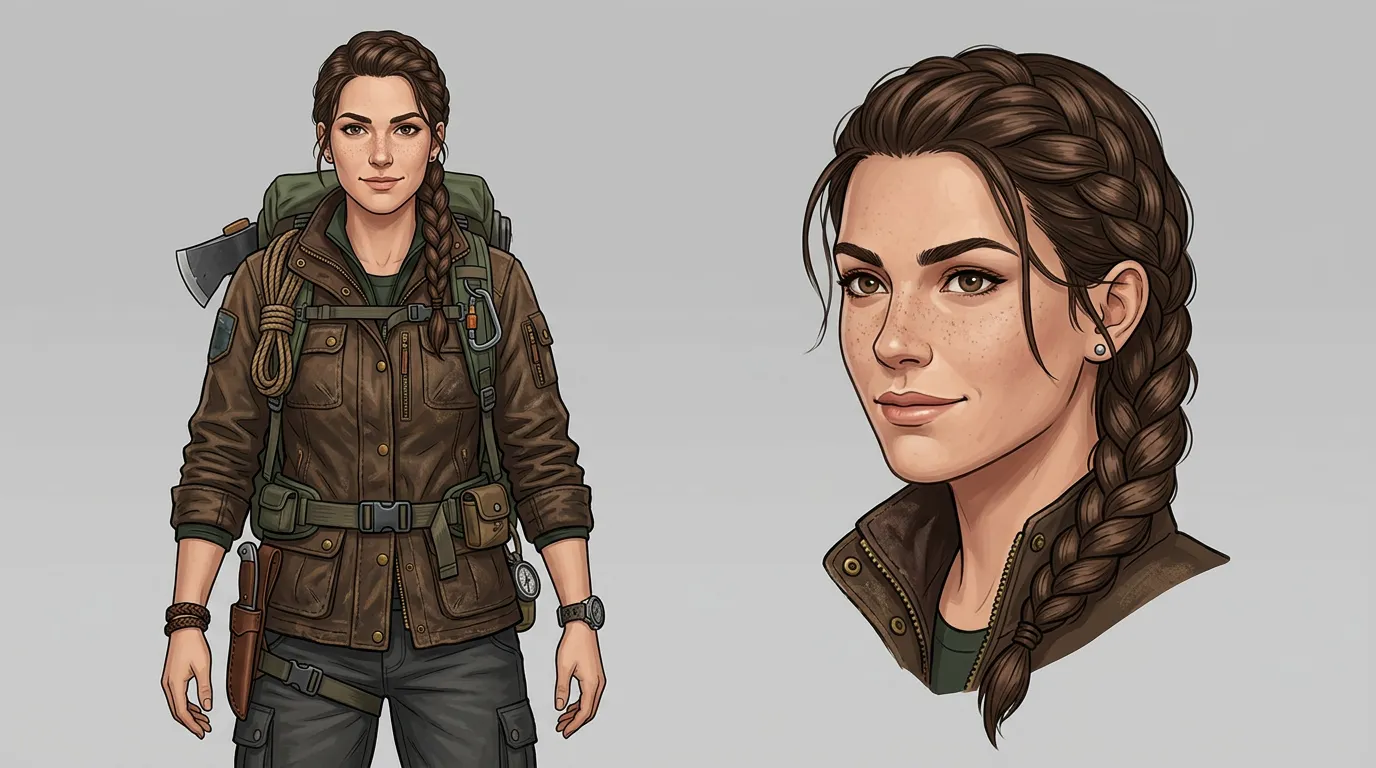
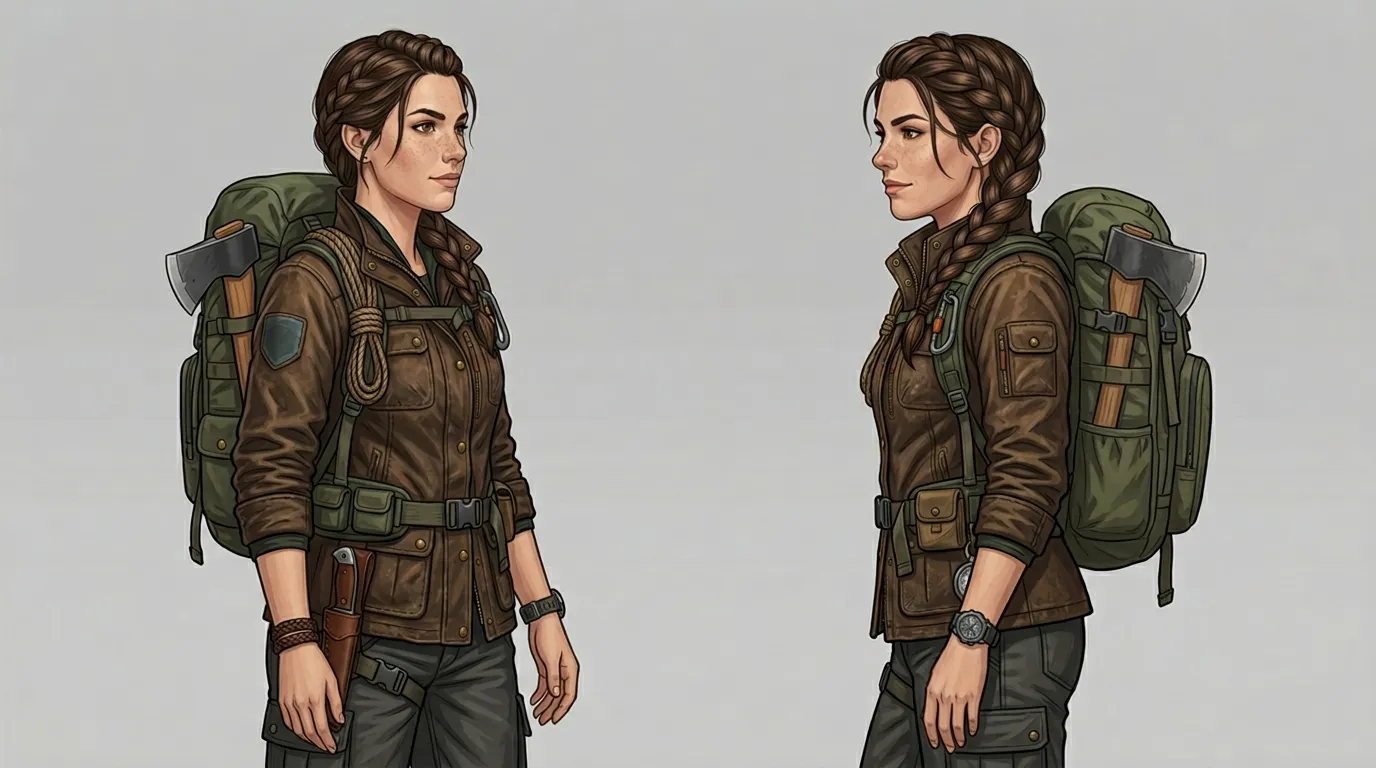
Up to 10
Constraints
- Shape unchanged
- Color unchanged
- LOGO position unchanged
Changes
- Scene: Forest camp
- Style: Natural lighting
Output
Create once, reuse many times
On Dovoo AI you don't just generate one image—you build an asset library
Reference combinations
Save role/product asset packs, upload once and reuse
Prompt templates
Save constraints + changes skeleton for quick reuse
Output history
Replay every iteration version—never miss an idea
Prompt writing
Lock sentence
Keep 【subject】's 【shape/ratio/color/key identifiers】 unchanged
Change sentence
Change 【background/props/style/camera】 to 【target】
Protection sentence
Other areas unchanged; lighting/perspective match original
One-click fill examples
"Keep the character's black short hair, blue eyes and white T-shirt unchanged, change background to café scene"
"Keep product shape and LOGO unchanged, change material to metallic"
"Keep character facial features unchanged, change outfit to red dress"
FAQ
Up to 10. More references help the model understand subject features and improve consistency.
The same asset pack can be switched to other models for comparison—all on Dovoo AI.
Start creating