

Upload a video and start editing with AI
Upload your video, tell AI what you want to change, and get a new edited version. Change scenes, objects, backgrounds, style, motion, and details easily.
Turn rough videos into
polished AI edits
Upload a video and describe your edits. Dovoo AI helps you clean scenes, replace objects, change backgrounds, restyle visuals, adjust motion, and create a better version.
No timeline editing, no manual masking, no learning curve
Your Current Video Editing Predicament
Video editing demand keeps growing, but manual editing is slow, complex, and hard to scale. AI video editing makes it easier to modify existing videos with simple prompts.
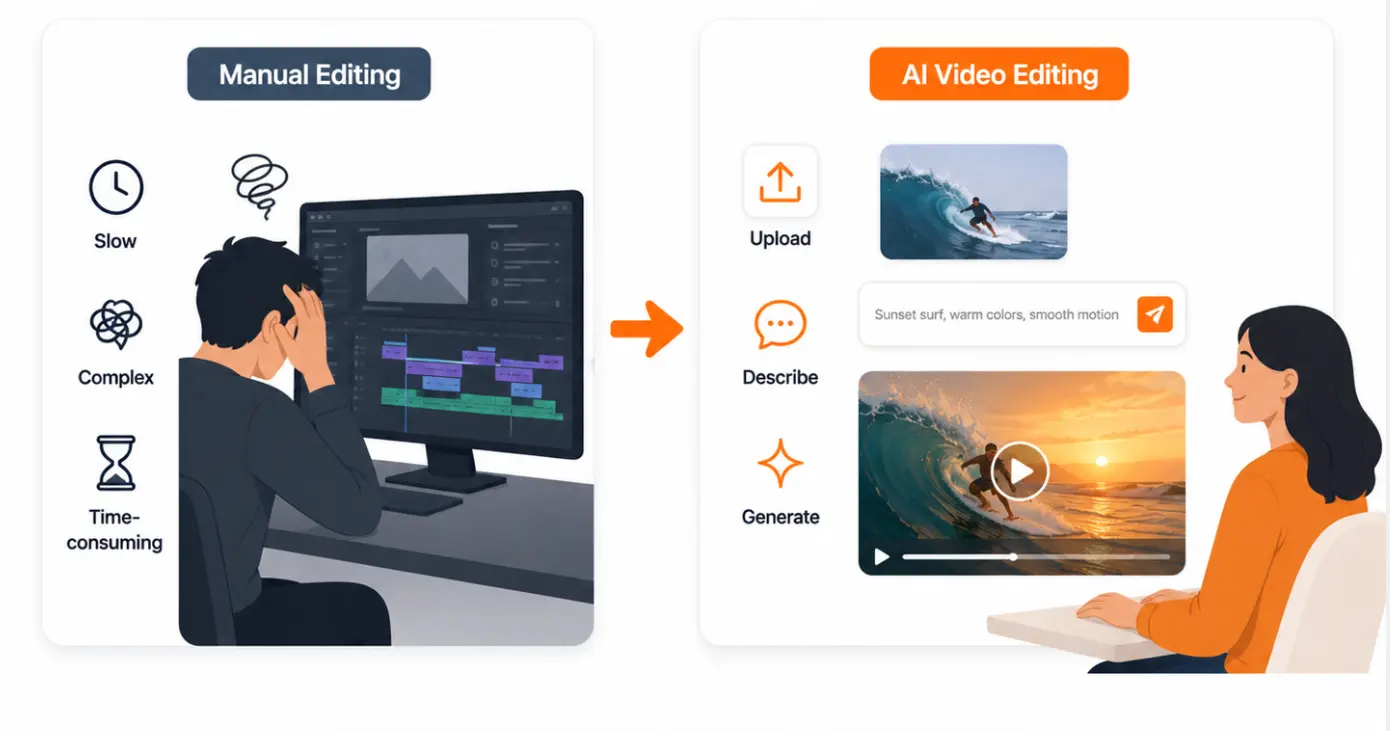
Long editing workflow
A small video change can take hours when you need to adjust scenes, objects, backgrounds, motion, or visual details manually.
High learning cost
Users often need to learn timelines, masks, keyframes, effects, and professional editing software before making clean edits.
Difficult video fixes
Removing distractions, replacing elements, changing backgrounds, or restyling a video is hard with traditional tools.
Hard to scale
Creating video versions for ads, products, social posts, and different platforms takes too much time and effort.
Not just basic video editing
AI understands your video, then edits it with simple prompts
Dovoo AI brings together leading AI video editing models in one place, including Kling O1, Kling 3.0 Omni, Wan 2.7, Happyhorse 1.0, and Vidu Q2 Pro.
Upload a video, describe what you want to change, and let AI handle the edit. Modify scenes, remove or replace objects, change backgrounds, restyle visuals, adjust motion, and create a cleaner new version without complex manual editing.
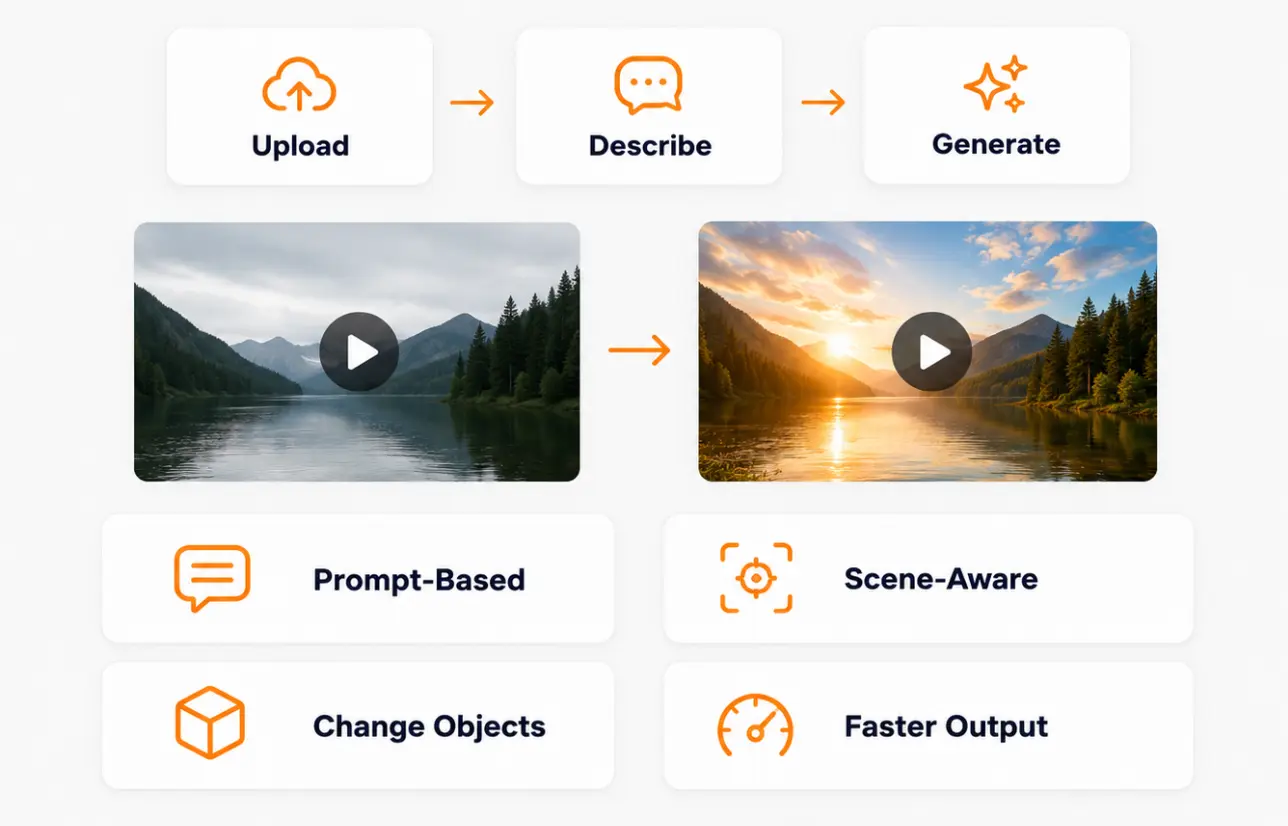
Prompt-based editing
Describe the changes you want in plain language, and AI turns your instructions into video edits without timelines or complex tools.
Scene-aware changes
AI understands people, objects, backgrounds, and motion in the video, making edits feel more natural and visually coherent.
Flexible video updates
Replace objects, remove distractions, change backgrounds, adjust style, refine motion, and improve details in existing videos.
Faster final output
Create polished video versions more quickly for social media, ads, product demos, and creative content with less manual work.
Fits every video editing scenario
From social clips to product ads, Dovoo AI helps you edit existing videos with simple prompts.
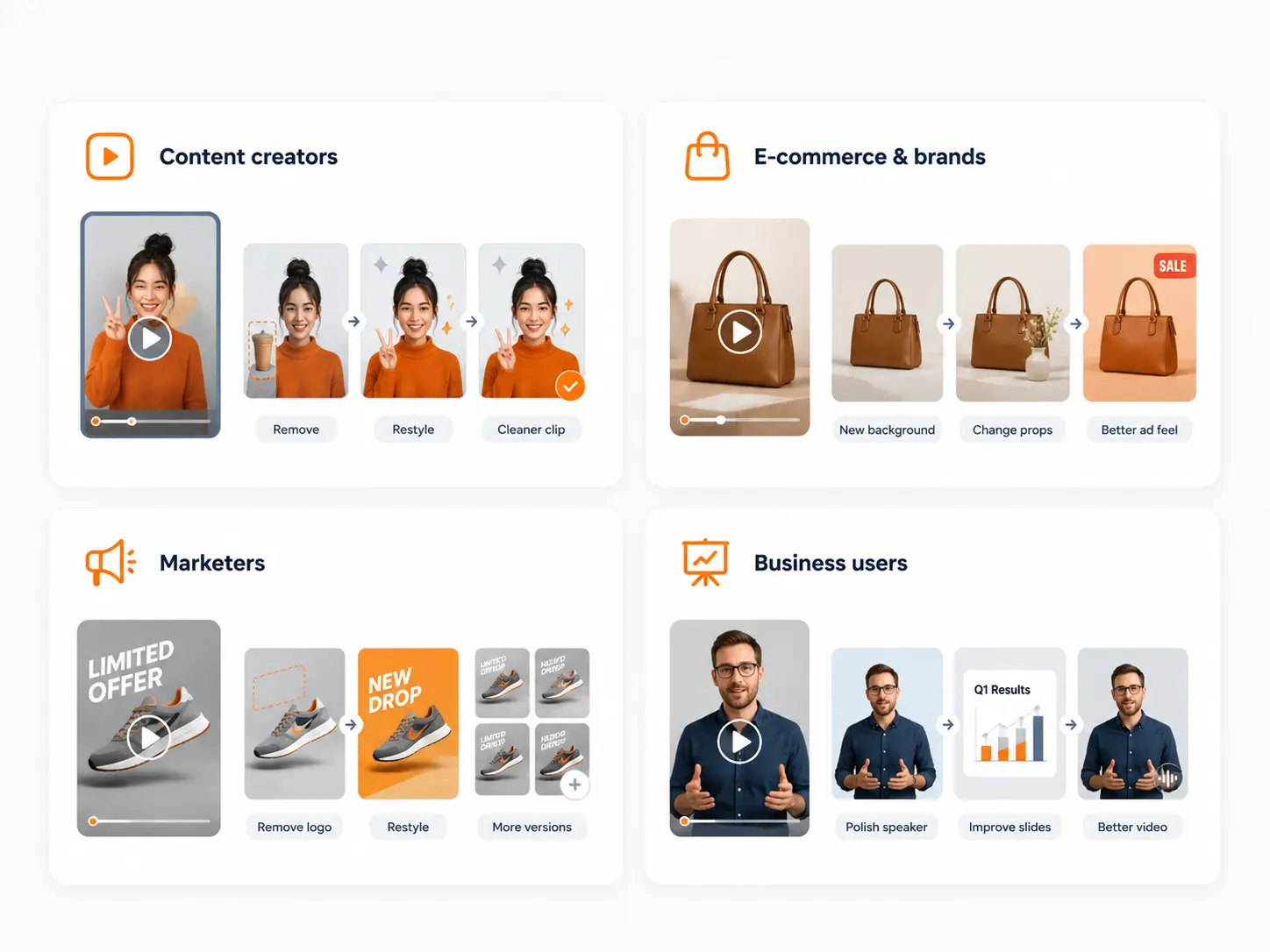
Content creators
- Social video edits
- Style changes
- Object removal
- Cleaner short clips
E-commerce & brands
- Product video cleanup
- Background replacement
- Prop or object changes
- Better ad videos
Marketers
- Ad creative updates
- Logo or text removal
- Campaign video restyling
- More test versions
Business users
- Presentation video edits
- Training clip cleanup
- Profile video polish
- Speaker video updates
Turn videos into better content, not just edits You don't need to learn video editing You just need a video and a prompt
More ways to create and edit
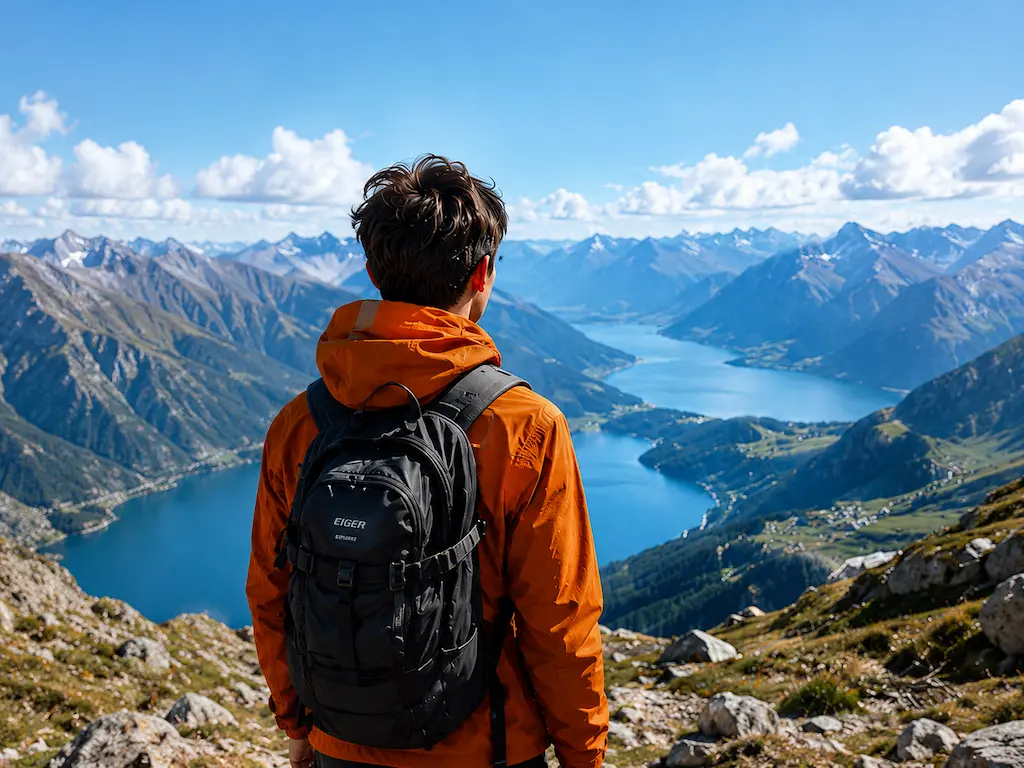
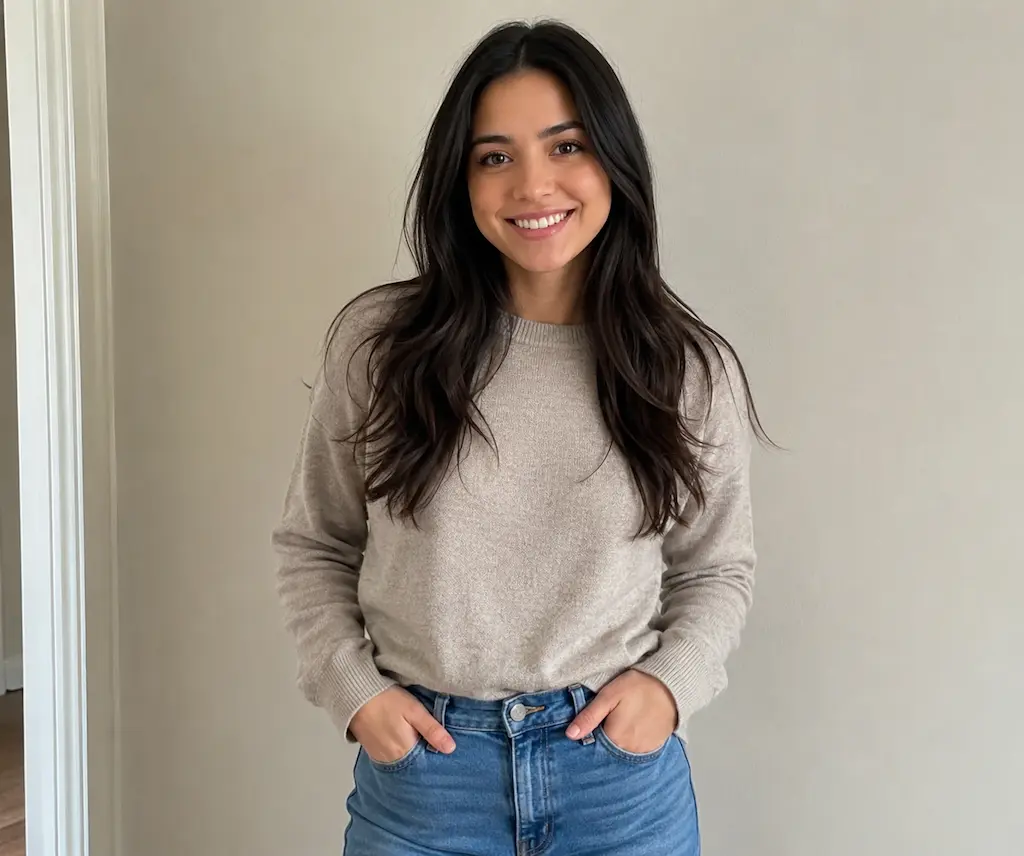
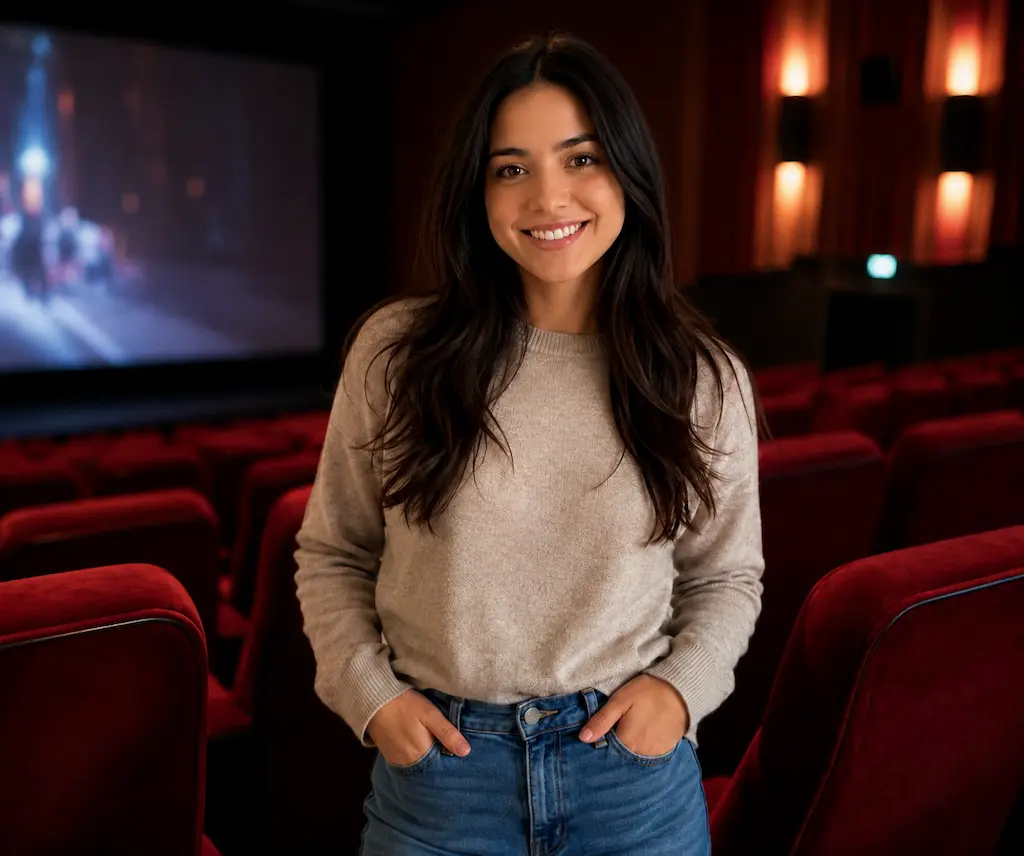
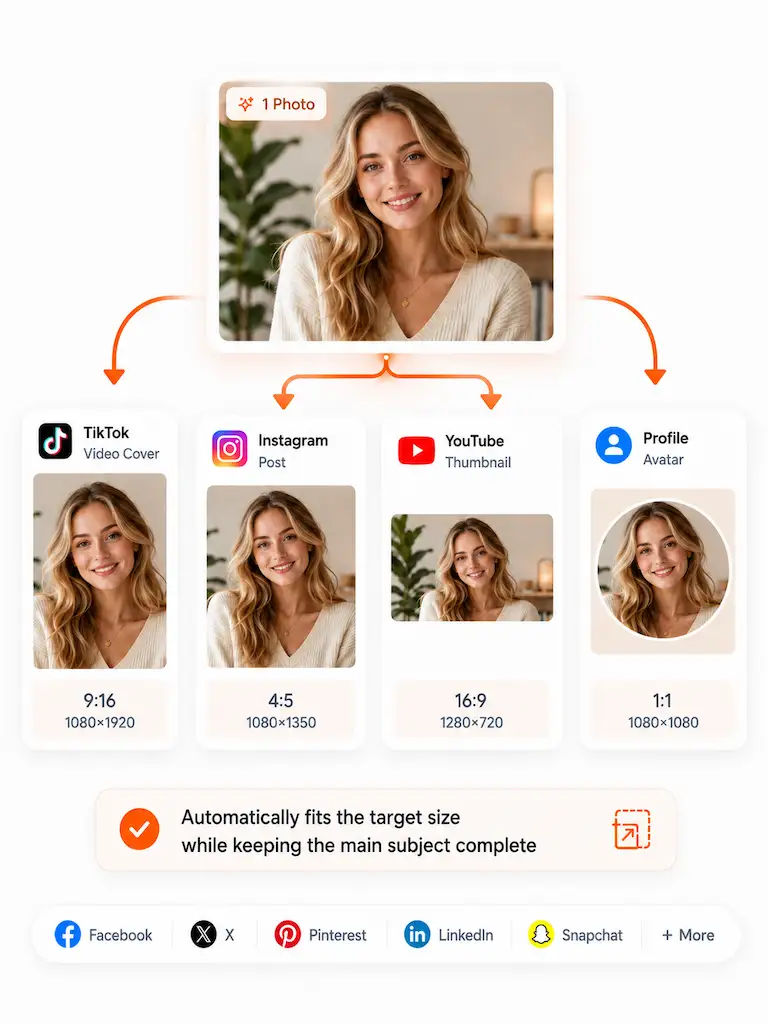
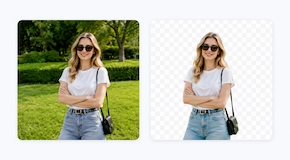
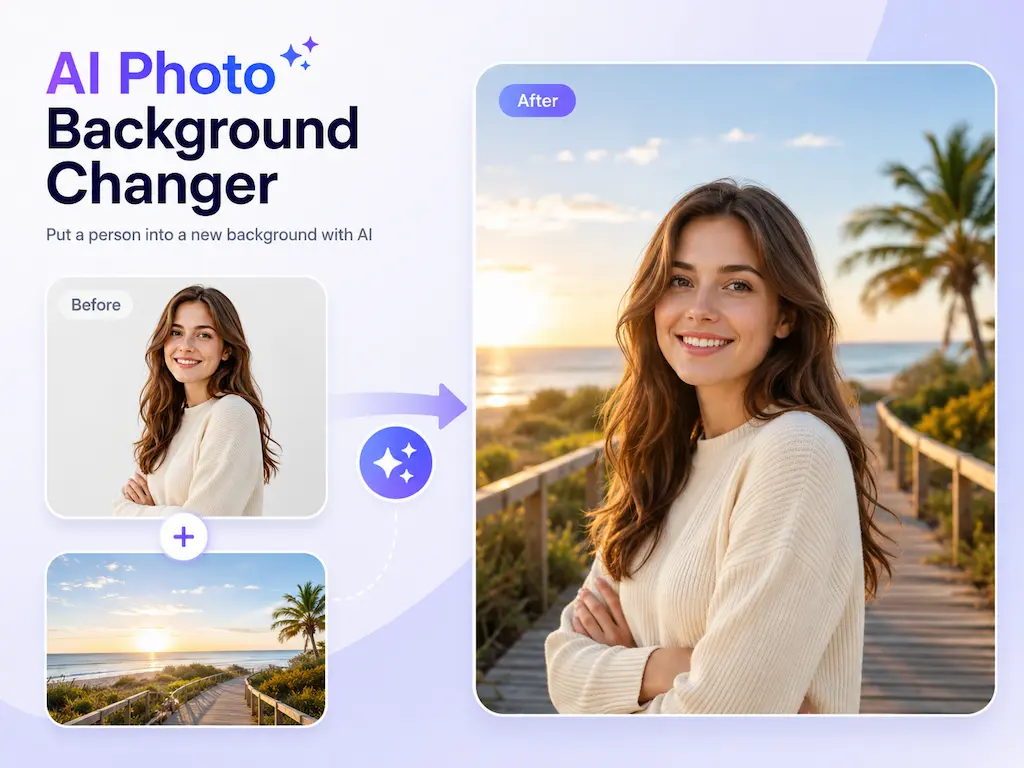
Continue your image workflow with more AI tools for upscaling, background removal, object removal, image replacement, enhancement, and creative editing.



Why choose Dovoo AI
Edit videos with AI prompts, multiple models, and one simple workflow.
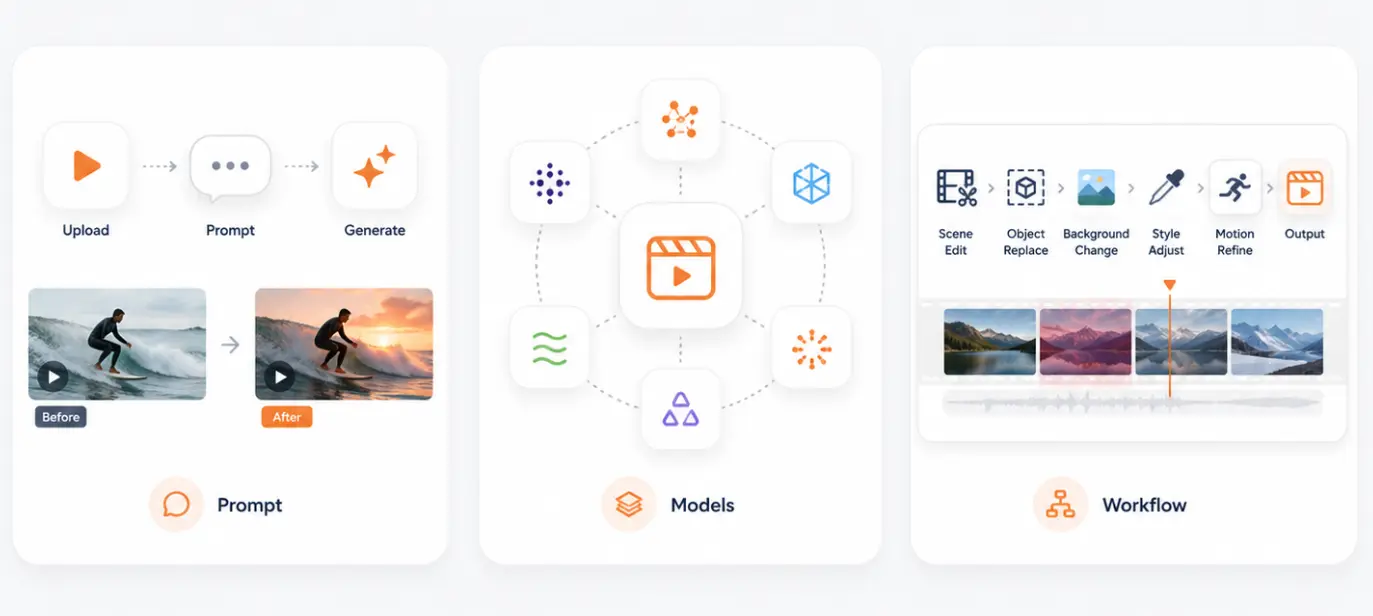
Simple prompt editing
Upload a video, describe the change, and generate a new edited version.
Multiple video models
Choose from leading AI video models for different editing needs and visual styles.
All-in-one workflow
Edit scenes, objects, backgrounds, style, motion, and details in one place.
How to use
Edit your video with AI in 4 simple steps
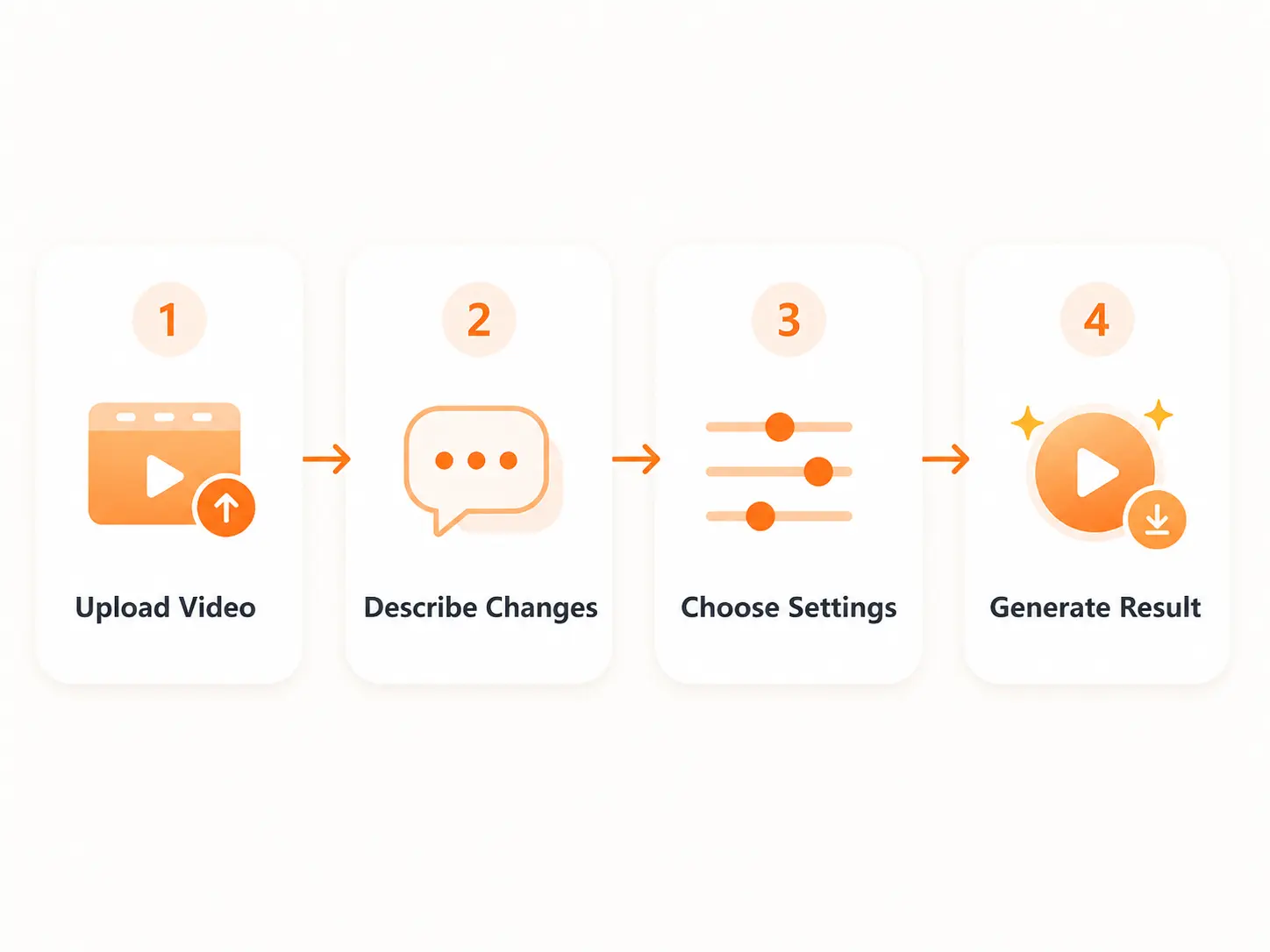
Step 1: Upload video
Upload your video or choose one from your media library.
Step 2: Describe changes
Type what you want to edit in simple words.
Step 3: Choose settings
Set ratio, resolution, duration, and audio options.
Step 4: Generate result
Preview the AI-edited video and download it when ready.
You May Also Like
FAQ
Yes. You can clean product clips, update ad creatives, remove old logos or text, change backgrounds, restyle visuals, and create new versions for testing or promotion.
Edit Videos with AI
Upload your video, describe what you want to change, and create a cleaner new version with Dovoo AI.
Start Editing Now