
Create Sketch-to-3D Transformation Videos with Hailuo 2.0
Upload your starting sketch and final 3D render, describe the transformation you want, and let Hailuo 2.0 generate a smooth video that evolves from a flat design into a complete 3D model.
Let AI Move According to Your Storyboard
Highly controllable action video generation model, focused on instruction obedience, action controllability, and rapid iteration
What can Hailuo do for you
Turn ideas into action visuals
No need for drawing or animation skills; just describe the action, and AI can generate clear videos
Quickly try different versions
Regenerate with just one sentence change, quickly iterate to find the most satisfactory result
Create explanatory videos
Use actions to demonstrate steps, processes, or concepts, making it easier for the audience to understand
Create lightweight stories
Create simple stories, skits, or creative content without the need for a complex crew
Create presentation-style content
Demonstrate product features, characteristics, or usage methods, intuitively and effectively
Suitable for what scenarios
Tutorial demo
Role-play step-by-step operations, clearly display the usage process
Product introduction
Step-by-step feature display, suitable for e-commerce and brand marketing
Short video skits
Action-driven content, quickly produce social media material
Storyboard pre-visualization
Directors quickly test shots, verify creative direction
Ad testing
Multi-version action attempts, quickly find the best solution
Educational content
Knowledge action expression, make learning more vivid and interesting
See how Hailuo works
Script execution example
Person raises hand → points at screen → nods
Execute three actions in order, with clear meaning
✓ Hailuo not only understands "scenes", but also "action sequences". This is something ordinary AI cannot do.
 hand
hand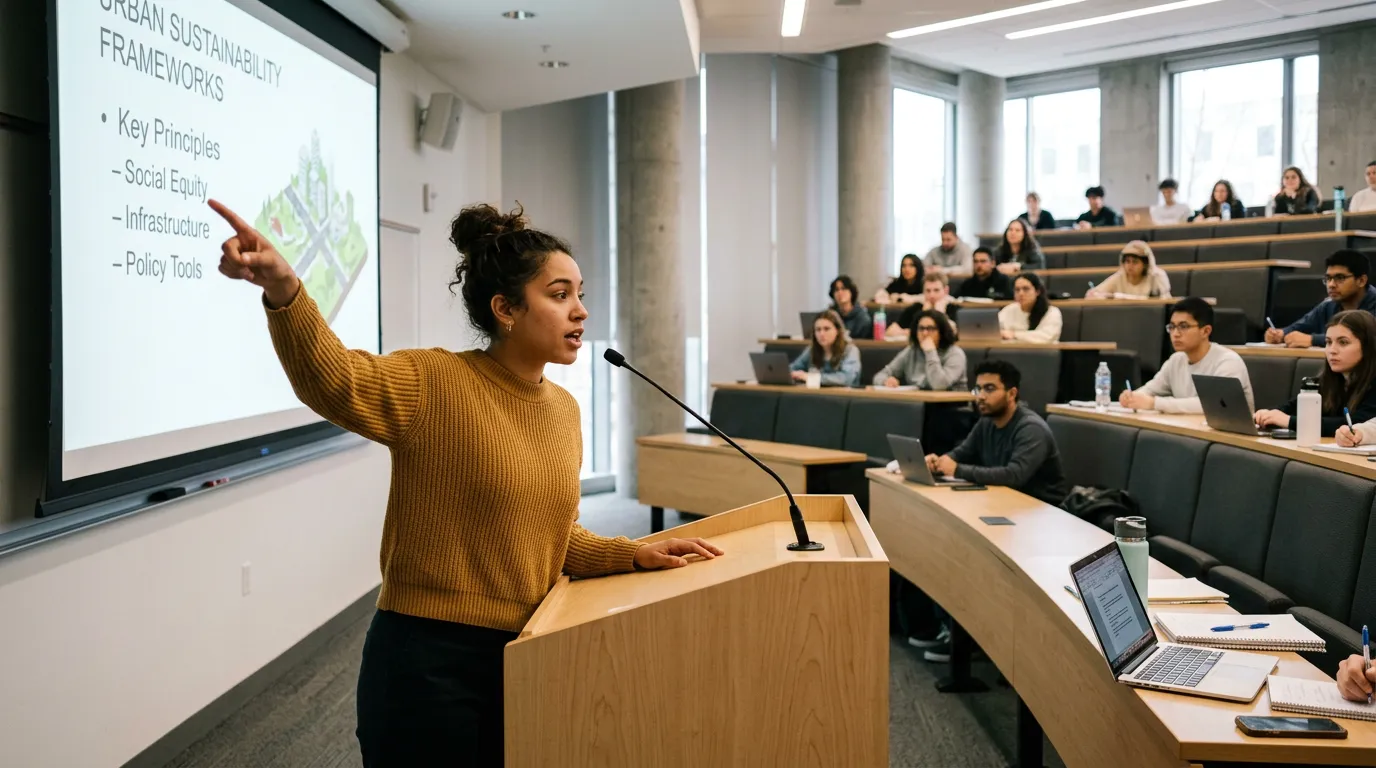 points at screen
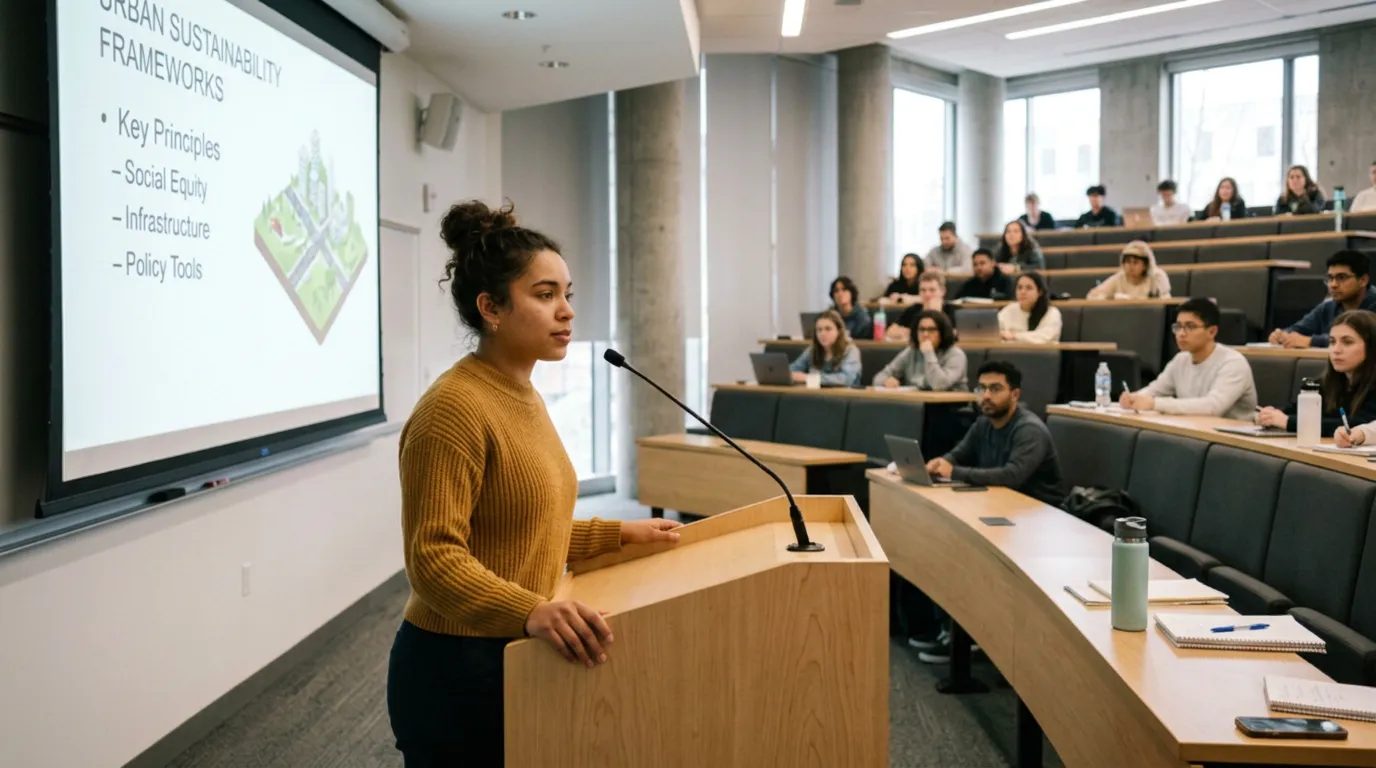 nods
nodsHow to write instructions
Subject
Describe people or objects
E.g.: A girl, A cat
Action sequence
Describe action sequence
E.g.: Standing by the sea → wind blowing hair
Rhythm
Describe time and speed
E.g.: Slow, Fast, Pause
Complete example
Subject: A girl
Action sequence: Standing by the sea → wind blowing hair → looking into the distance → turning around
Rhythm: Slow, natural, pause for 2 seconds, quick turn
✓ Complete description: A girl standing by the sea, wind blowing her hair, slowly looking into the distance, pausing for 2 seconds, then quickly turning around and leaving.
One-click templates
Don't want to write a description? Directly select a template, generate with one click
Quick iteration workflow
Advanced features
Segmented actions
Finely control each action segment to achieve complex action sequences
Multi-action combination
Combine multiple actions to create a complete story narrative
Rhythm control
Precisely control action speed and time, fully controllable
Local regeneration
Finely adjust generated video, regenerate specific parts
Style consistency
Maintain consistent aesthetic style and character features across multiple videos
Precise control
Use reference images, keyframes, and other tools to precisely control generation results
Common questions
The description lacks explicit sequence words. The model will understand multiple actions simultaneously, and an unclear sequence will lead to mixed execution. Solution: Use conjunctions: then, next, finally, pause for one second Incorrect: Raise head wave hand turn around Correct: Raise head, then wave hand, pause for one second, then turn around