

Create Start-End Frame Space Walkthrough Videos with Kling 3.0 Omni
Set the beginning and ending views of different rooms, and let Kling 3.0 Omni generate a seamless transition video that connects spaces into one continuous interior tour.
Let AI shoot video like a camera
Kling's core strengths
Why you need Kling
Stable characters
Consistent over time—no frequent "face swaps"
Filmed, not animated
Push-in, pull-out, camera moves—real cinematography
Natural motion
Correct physics, natural human articulation
Storytelling
Built for narrative—expresses emotion and intent
What it's good for
Emotional shorts
Cinematic shots that convey emotion. For brand campaigns, art.
Product ads
Product shots that feel like real filming. For e‑commerce, brand marketing.
Character stories
Continuous character action and narrative. For short drama, game cutscenes, character IP.
MV visuals
Atmosphere-driven shots. For music videos, artistic expression.
Game cutscenes
Story-driven animation shots. For game dev, visual sequences.
Social content
Cinematic short videos. For YouTube, TikTok, Instagram.
What Kling can do
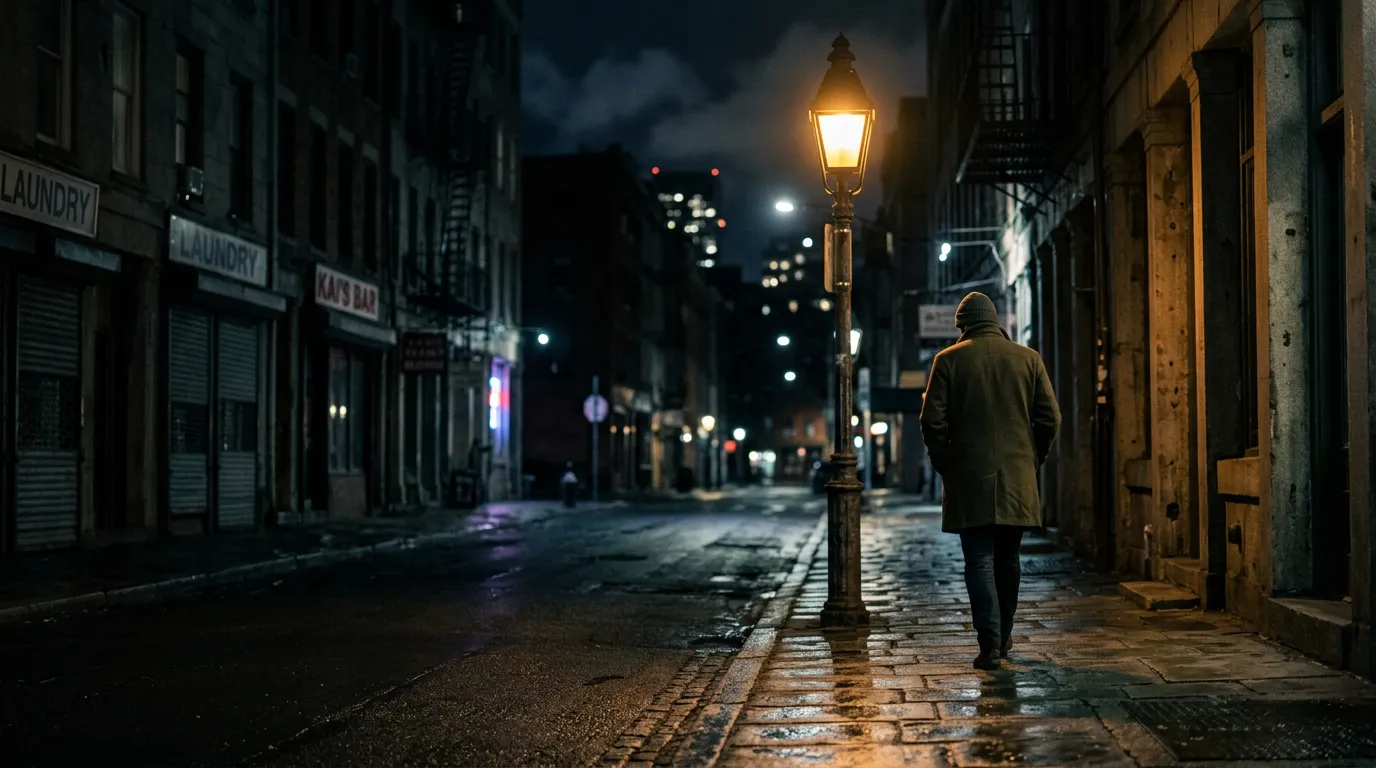
Emotional short: Cinematic shot expressing emotion
Night street, a man walks slowly toward a streetlight, lonely mood. Camera slowly moves in from a distance.
Scene: Night street | Subject: Man walking | Mood: Lonely | Camera: Push-in | Light: Streetlamp
Kling understands not just "the image" but "emotion" and "camera motion." Most AI can't do that.
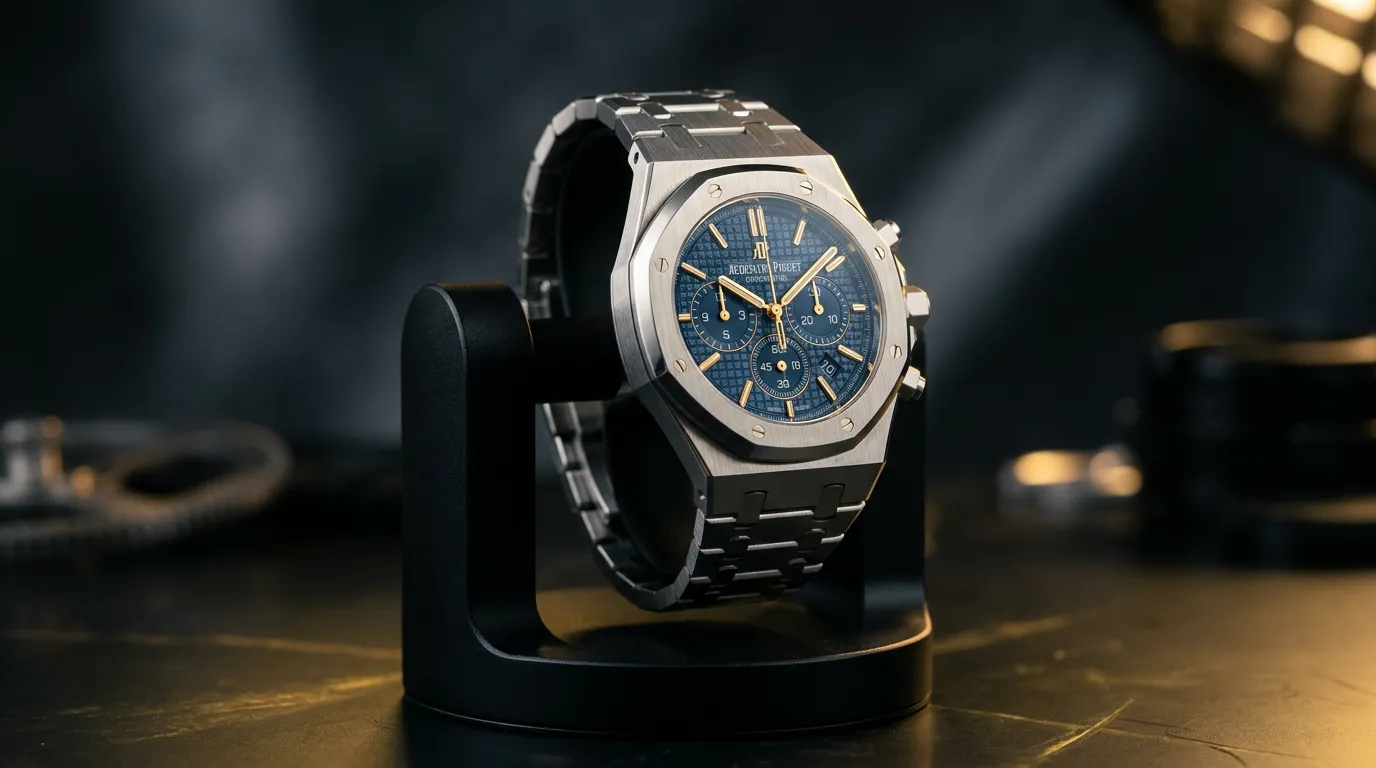
Product ad: Product shot that feels like real filming
Luxury watch rotating under studio lights, golden light on the dial, professional commercial photography style.
Product: Watch | Light: Studio | Action: Rotating display | Style: Commercial | Feel: Luxury
Kling produces product videos with a real-film look—ideal for e-commerce and brand marketing.
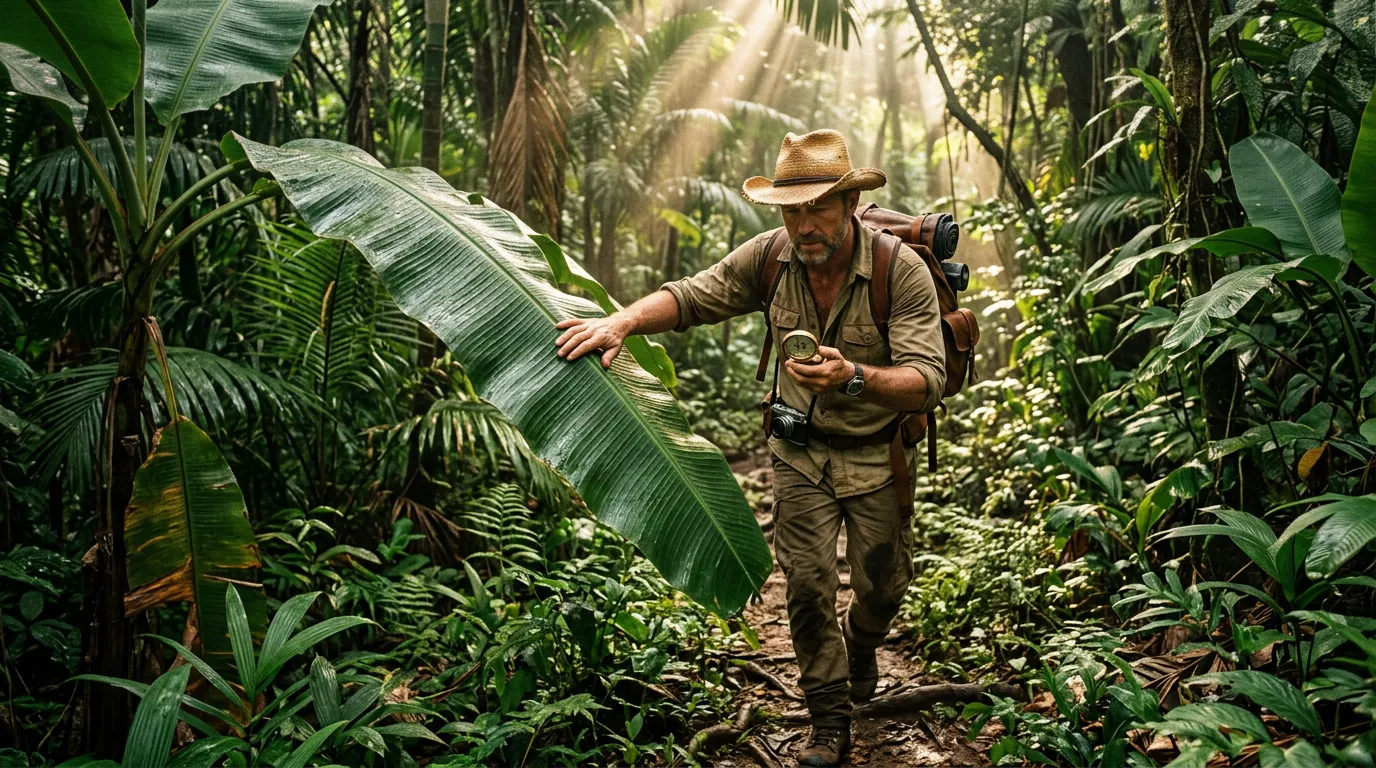
Character story: Continuous character action narrative
An explorer in a straw hat walks through dense rainforest, pushes aside giant banana leaves, stops to check a compass, sunlight through the canopy on his face, cinematic.
Subject: Explorer Action: Walk → push leaves → stop → check compass Environment: Tropical rainforest Style: Cinematic narrative Light: God rays (crepuscular rays)
Kling keeps character consistency while capturing complex body motion and environment interaction.
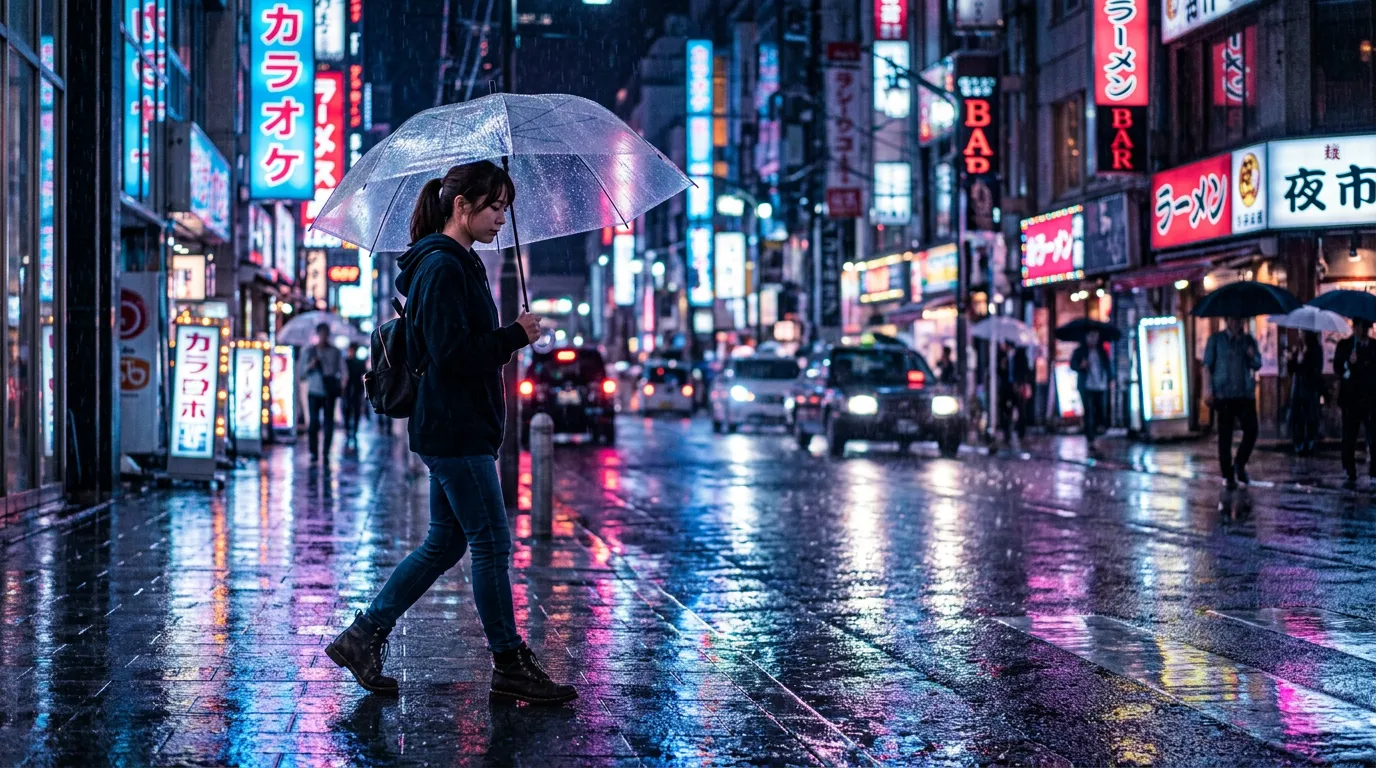
MV visuals: Atmosphere shot
Rainy neon street at night, a girl walks with a transparent umbrella, wet pavement reflecting blue-pink light, slow motion, melancholic beauty.
Subject: Girl with umbrella Environment: Rainy neon street Light: Blue-pink contrast (Cyberpunk tone) Style: MV aesthetics Pace: Slow motion
Kling excels at water reflections and god rays, conveying the mood and emotion music videos need.
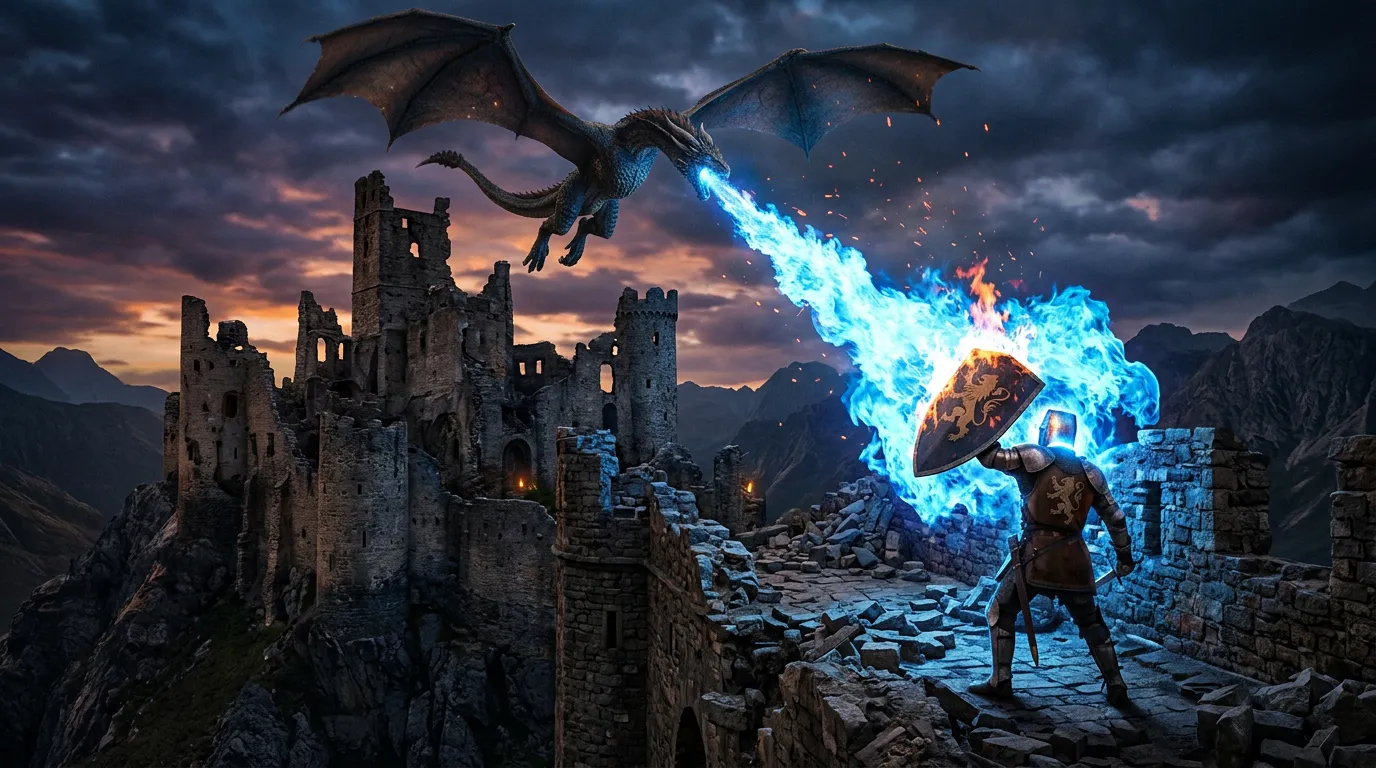
Game cutscene: Story-driven animation shot
A dragon circles over a ruined castle, breathes blue fire, a knight raises a shield against the flame wave, epic scale.
Subject: Dragon, knight Environment: Ruined castle Action: Circle, breathe fire, shield raise Effects: Blue flame, heat wave Style: Epic 3D game CG
Kling handles particle effects (fire, smoke) and large-scale perspective—impactful cutscene material.
Social content: Cinematic short
Morning café, sunlight on a steaming coffee cup, fingers gently turning a book page, vintage film look.
Subject: Coffee, book Environment: Morning café Action: Page turn, steam rising Style: Vintage film (Film Aesthetic) Light: Backlit, warm tone
Kling captures small details like steam and dust—perfect for the "slow life" vibe popular on social.

How to write descriptions
No complex prompt tricks. Just describe your image in "three steps."
Who
Describe the person or object
E.g.: a girl, a cat, a sports car
Doing what
Describe the action or scene
E.g.: standing by the sea, wind in hair, running
Camera feel
Describe the camera feel
E.g.: camera slowly moves in, wide to close-up
Full example
A girl stands by the sea (who)
→ Wind in her hair, looking into the distance (doing what)
→ Camera slowly moves in, wide to close-up (camera feel)
√ That's enough! Kling understands scene, light, emotion, motion automatically.
Presets
Don't want to write? Pick a preset and generate in one click.
Ad shot
Professional commercial style. For brand campaigns.
Emotion shot
Convey specific emotion. For art and creative work.
Character entrance
Character enters frame. For short drama and MV.
Establishing shot
Landscape and atmosphere. For background footage.
Camera presets
Push-in, pull-out, follow—camera movement presets.
Special effects
Light, particles, transitions, and other visuals.
5-step workflow
Advanced features
Camera control
Fine control of camera motion: push, pull, follow, pan. Make your videos more professional.
Sequential generation
Generate multiple shots and stitch into a full story. For short drama, ad sequences.
Style consistency
Keep a consistent aesthetic across videos. For brand visual unity.
Keyframe redraw
Fine-tune generated video, redraw specific frames. Fully controllable.
Long-video generation
Generate longer videos with temporal consistency. For full stories.
Precise control
Use reference images, keyframes, motion paths, and more
FAQ
Cause: "Identity" isn't locked in the description. Kling infers from meaning—if character details are unstable, it regenerates. Wrong: A man walks down the street AI reads: A new man in every segment. Right: Same man, black suit, short hair, walking down the street