
DALL·E 3: Describe your image and create
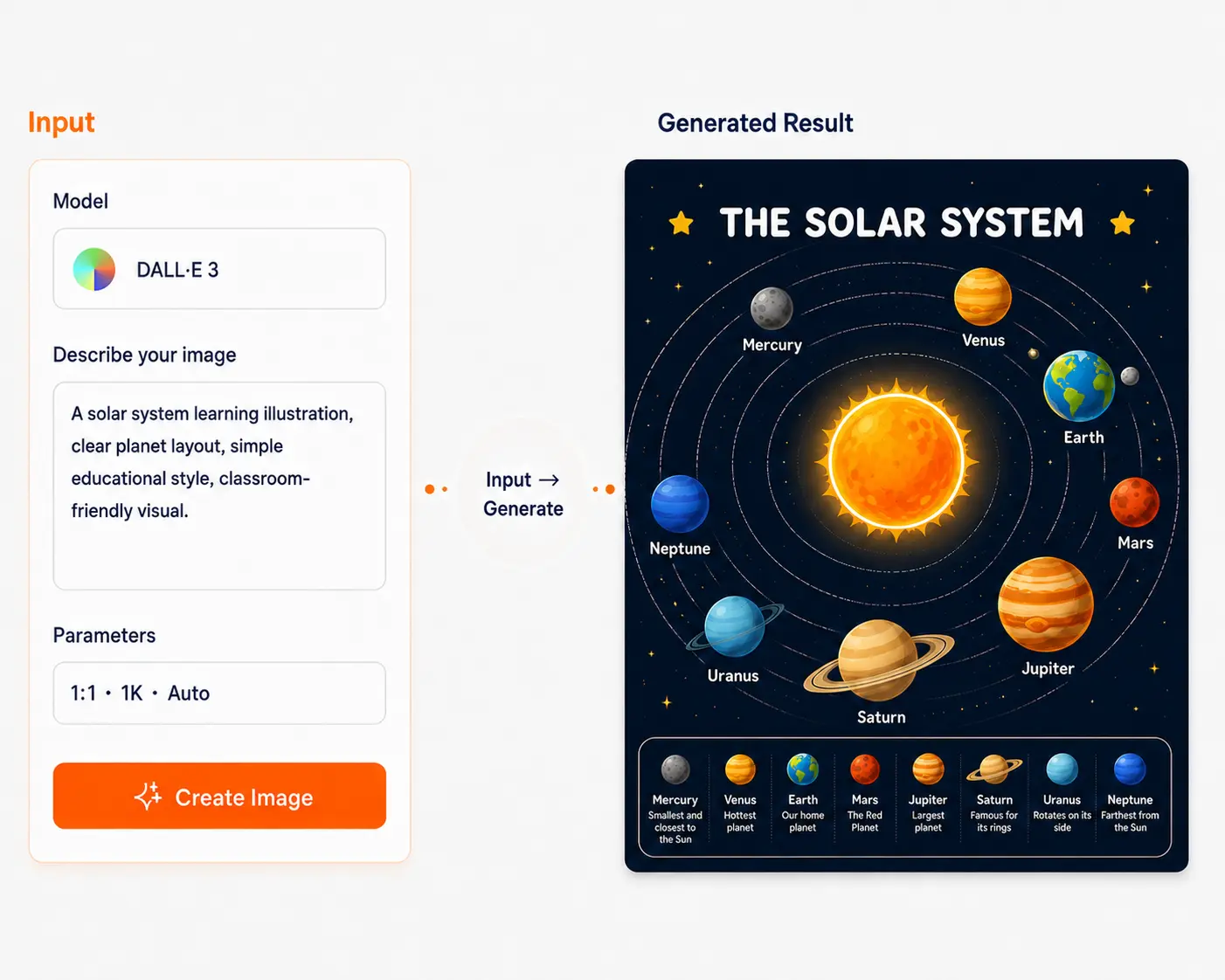
Describe your idea, and DALL·E 3 creates illustrations, character images, structured scenes, story visuals, and educational visuals with clear composition.
GPT Image
Make your imagination visible
No drawing skills or design knowledge needed. Just type and get professional images. Text-to-image, image-to-image, local edits—all covered.
What can you do with GPT Image?
Six core capabilities for all your image creation needs
Text-to-image
Describe the scene in words and AI paints it for you. No drawing skills needed to create professional images. Example: "A dog in sunglasses on a beach vacation"
Image-to-image
Upload a reference image and tell AI the style you want. It will redesign it for you. Example: Upload a photo + "Change to oil painting style"
Local edits
Edit only the part you want to change. Leave everything else as is. Example: Change the outfit in a photo
Multi-version generation
Generate multiple images at once and pick the best one. Example: Same character in 4 different poses
Business assets
Quickly create posters, covers, illustrations, product shots, and more. Save time and effort. Example: Generate e-commerce store hero images
Style consistency
Keep multiple images in a consistent style, like having a professional design team for your brand visuals. Example: 10 unified social media posts
Three steps to get started
Follow along—no prior experience needed
Choose mode
Decide what you need: generate from text or edit an existing image? Three modes Text-to-image Upload image to modify Local edit
Write your prompt
Describe what you want in plain language, like chatting with a friend. Universal formula Subject + scene/style + Key details + Elements to exclude (optional)
Set parameters
Pick image size, quality, then hit generate. Common settings Size: 1:1 / 16:9 / 9:16 Quality: Low / Medium / High Count: 1 / 2 / 4 images
What does it look like?
See what others have created with GPT Image
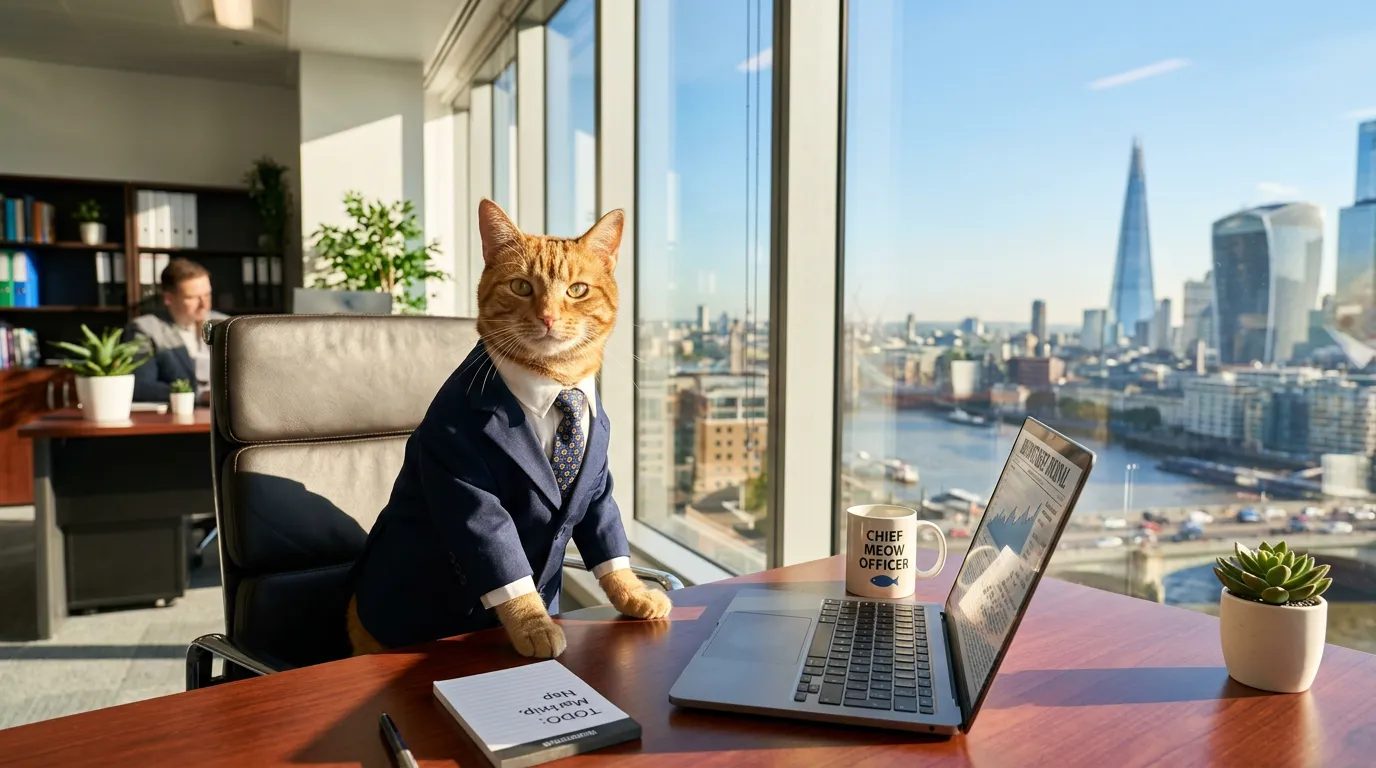
A cat in a suit working in an office, city view through the window, sunlight streaming in
Case descriptionText-to-image: From zero to one No source material needed—describe the scene and AI draws it. Great for quick images when you have no assets.
Can't write prompts? Just copy
These templates are proven to work—tweak and use
Product shot
[Product name], pure white background, [material], professional product photography, [angle], 8K quality, clean background, e-commerce hero style 💡 Tips More realistic→add "natural light", "shadow" | More premium→add "minimalist", "luxury"
Use templatePoster
[Theme], [style: modern/vintage/tech], [color palette], commercial poster, clear hierarchy, strong visual impact, for [use case] 💡 Tips More eye-catching→add "high contrast" | More professional→add "whitespace", "minimalist"
Use templateSocial cover
[Content topic], [style: fresh/bold/cute], social media cover, unified colors, 16:9 ratio, clear focal point 💡 Tips Xiaohongshu→add "bright" | WeChat→add "refined" | Douyin→add "dynamic"
Use templateIllustration
[Scene], [style: flat/gradient/hand-drawn], [colors], vector style, clean and simple, modern, for [use case] 💡 Tips Children's book→add "cute" | Commercial→add "professional" | Article→add "minimal"
Use templateGPT Image works better here
It's not just the model—the platform makes it smoother
🌐 Multi-model hub
Switch between models for the same task and compare results to find the best fit
💾 Workflow management
Save prompts, reuse templates, batch generate, version control—create more efficiently
🔄 Smooth iteration
Full loop from idea→draft→final. Not satisfied? Edit until you are.
FAQ
GPT Image mainly does three things: 1) Generate images from text; 2) Change style with a reference image; 3) Edit specific parts. In short: generate, edit, retouch.
What are you waiting for? Start creating! No experience needed—just type to make images
Start creating