
Seedream 4.5: Describe your image and generate
Describe what you want to create, and Seedream 4.5 quickly generates cinematic scenes, concept art, story visuals, game asset concepts, wallpapers, and mood images.
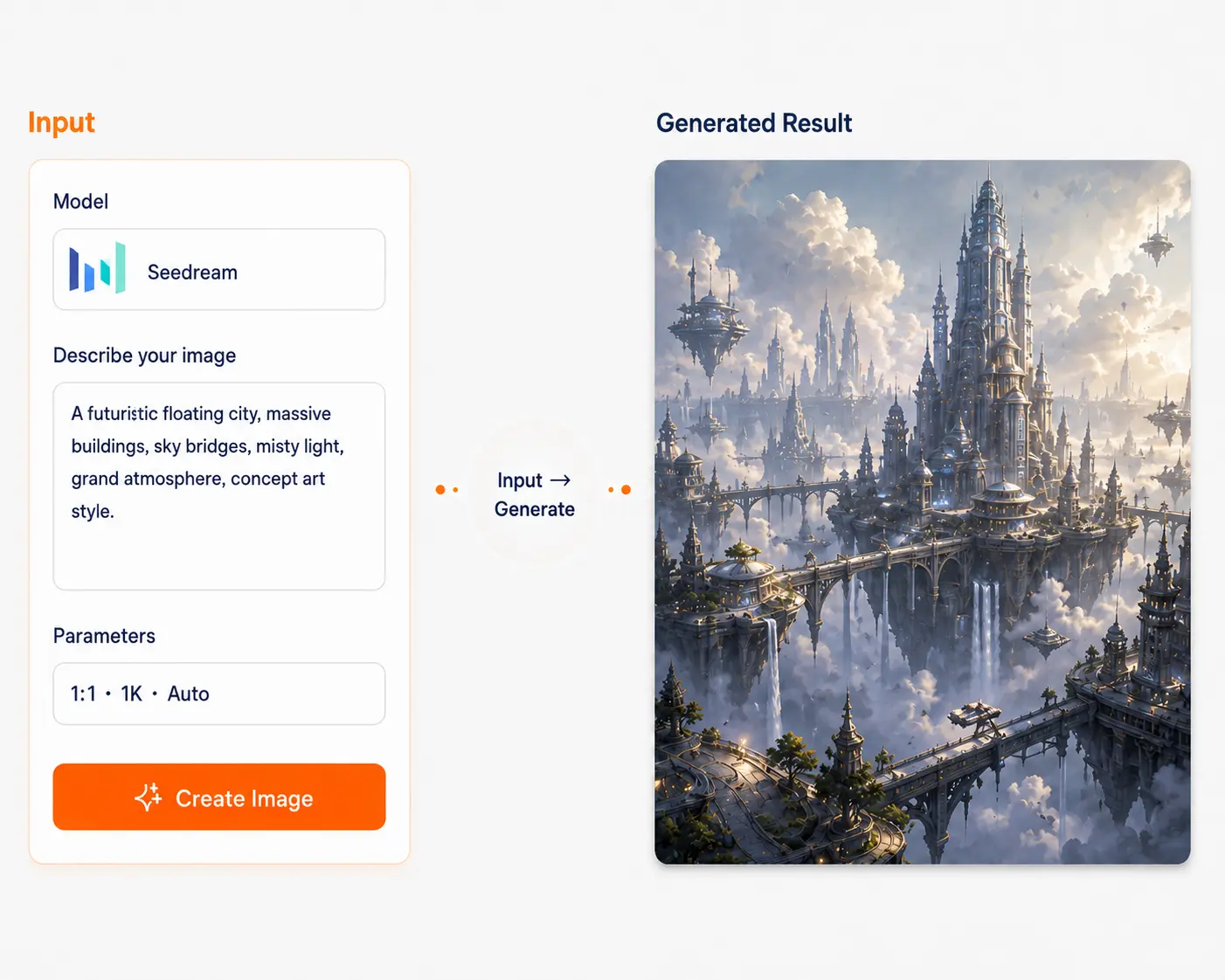
Seedream
A high-quality image model that combines generation and editing. One sentence to generate, upload one image to keep editing—all while keeping the subject and style consistent. Ideal for posters, e-commerce assets, serialized content, and infographics.
You may have encountered these issues
4–6 pain-point cards (one sentence each, result-oriented):
Images that look good but are unusable
Unclear text, uncontrollable layout
Poster/e-commerce needs consistency
Product/person changes in every image
Need PS to edit images
Changing background, adding elements, inpainting—all time-consuming
Batch output for campaigns
Same theme, multiple versions—constant back-and-forth, rework
Seedream core strengths
Generate + edit in one
Complete generate→edit→iterate in one model, no tool switching
Up to 4K resolution
For large images, posters, HD assets, print-grade clarity
Reference consistency
Series posters and same product stay stable, subject won't change
Multi-image editing
Lock target elements from multiple inputs for consistent editing
Knowledge + reasoning
Better for news posters, diagrams, office and learning visualization
Real-time retrieval
Better response to time-sensitive content, especially news
Real case studies
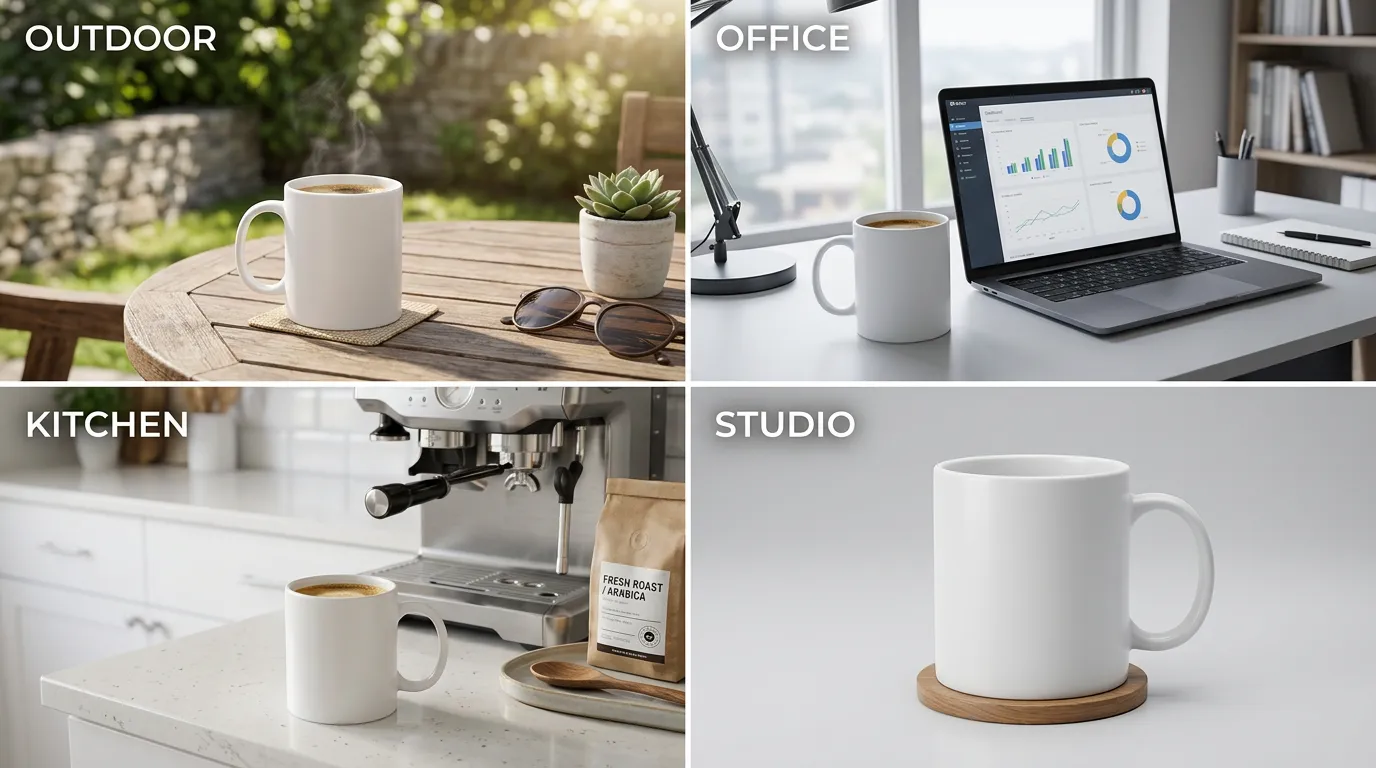
White coffee mug in 4 scenes: outdoor, office, kitchen, studio, identical product
Case descriptionSame product in 4 scenes, subject consistent
Workflow
Select Seedream
Enter one sentence
Choose aspect/style (optional)
Generate
Click "Continue edit" to iterate
Download/save
Beginner tips
✓ Change 1–2 key points at a time for stability
✓ Use reference images/multi-image edit for consistency (don't rely on long prompts)
✓ For posters/infographics, prefer versions stronger on understanding and visualization (e.g. 5.0 Lite)
Prompt presets (copy and use)
6 common presets, ready to copy
Text-to-image poster preset
A poster of [topic], target audience [audience], selling point [point], style [style], layout [layout]
Use templateE-commerce product preset
[Product], material [material], ambient light [light], background [scene], lens [language]
Use templateImage-to-image style transfer
Keep this image's composition and subject, change to [style keywords] style
Use templateMulti-image consistency preset
Reference [locked feature] from these images, generate [output requirements]
Use templateInfographic preset
An infographic, title [title], points [3–6 points], visual style [style], font [font language]
Use templateWhy choose Dovoo AI
Multi-model side-by-side
Not satisfied with Seedream? Switch to another model with the same prompt for comparison, less trial and error
Unified workflow
Generate, edit, version control, rollback—all in one interface, less tool learning
Templates and team reuse
Save prompts/styles as team assets, reduce repetitive work
Output presets
Common sizes (1:1, 4:5, 9:16, 16:9), less rework
FAQ
Seedream is an image generation and editing model in one: you can generate images from text, or upload images to edit (change background, style, inpainting, outpainting, etc.), and iterate toward usable results. Suited for: e-commerce (product/ambient images), brand marketing (posters/KV), content creators (social media images), designers (inspiration and drafts), education/office users (infographics, handout images), and more.